
In this portion there’s quite a bit more than there was in the last. Deep breath? Here we go!
We begin by cleaning up some of our brush work in the midtone layer. The first setup was the old squinty eye, where are my shadows technique. Now you refine all of that effort and create a new skin layer.

See the fuzzy coloring in the corner? Well, sometimes I need a color that isn’t exactly in my palette, that has to be a middle selection of two choices. At that point I take a simple brush, lower the hardness to zero and the opacity to the 50’s. Then I use my darkest and lightest colors of choice and blend them together until I get a fair range. That way I can select from this choice or even save the selection I make to the palette. It gives me a good inbetween color.
Anyway, once that’s done, I lower the opacity even more. Usually 36% works pretty well, depending on how slowly I want to blend in. I use this layer to begin blending the different values together. I can’t really tell you HOW to do this; everyone has their own level of ability. Still you can see the results it produces.

Here you can see a close up of me using this technique on the arm, as well as my brush settings. Pay attention to your blended edges!

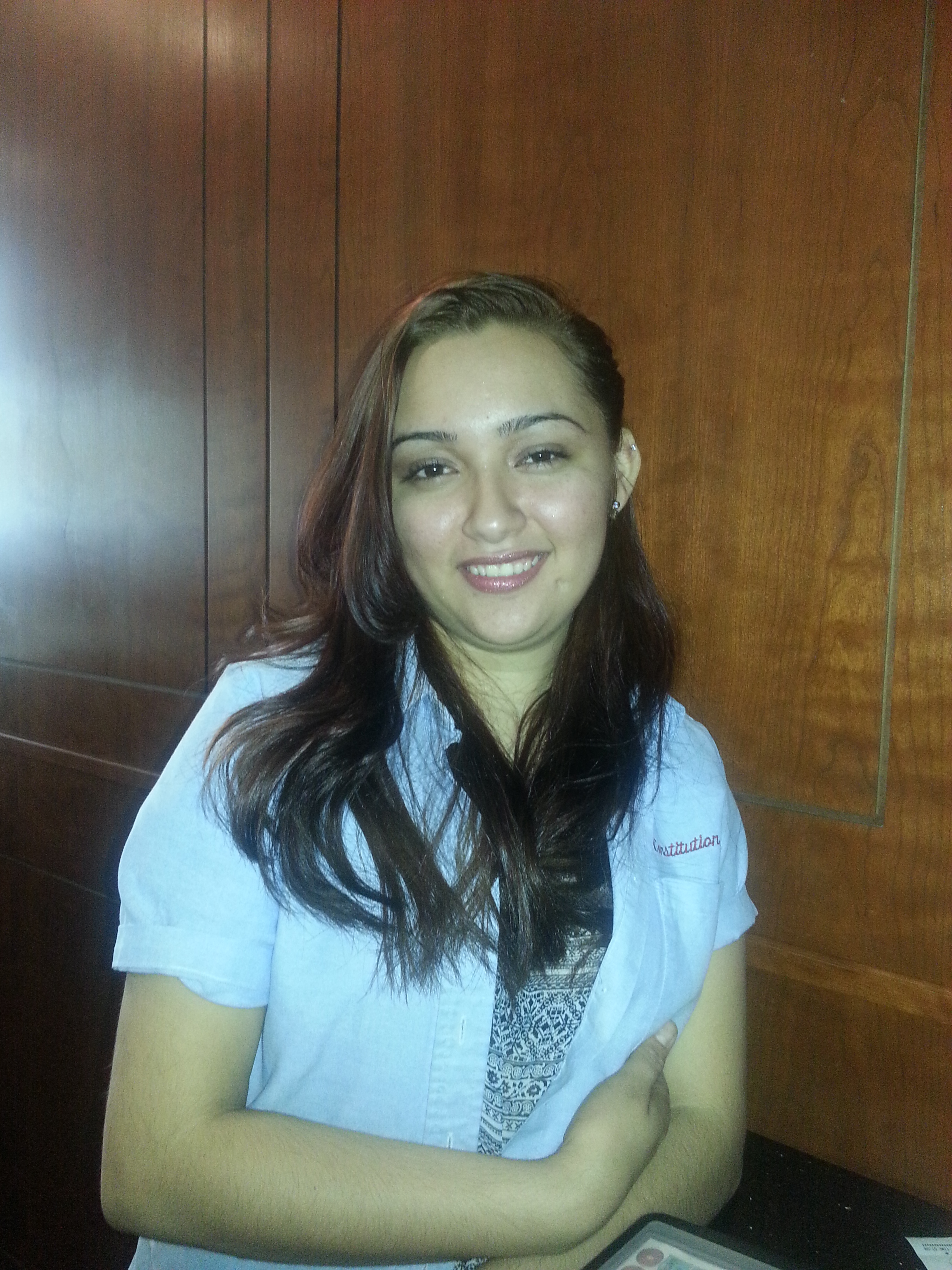
A detail of the picture was bothering me. Her shoulder was sticking out and because the shirt is a little large on her, she had a Quasimodo look to her. This girl is way too cute for that! Luckily I had more than one photo of her. Remember, reference material is important! I used to believe that “real” artists didn’t need any of that crap, that it was like cheating. So the lesson here is don’t be a dumbass like I was!

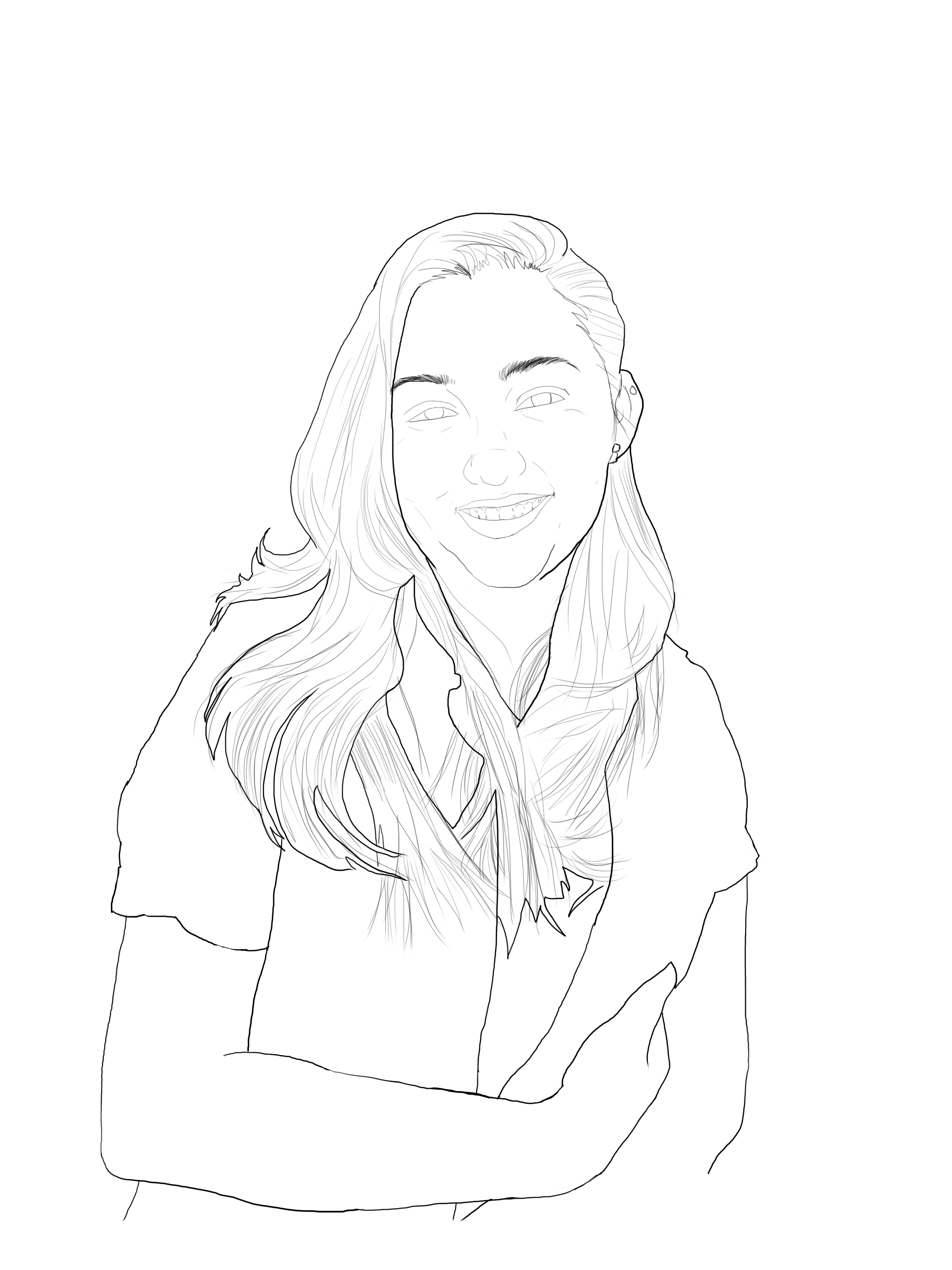
As you can see, by redrawing the area she looks a little more balanced. What you’re creating involves a process and sometimes it will evolve in ways you didn’t expect. Be open to correcting flaws and reverse and flip your image sometimes. It’ll help you correct issues and notice errors. Like leaving out the linework for her blouse! Oops!

Luckily I have a quick fix for that. After opening a new project, you can go file>place and set the image the lines are in on its own layer. From here choose your selection tool and using your shift key, slowly click on the design and transfer it into a selection. When you have as much as you want, create another layer over the image. If it won’t let you, don’t forget to right-click the image layer and rasterize it. Once you have a new layer select it and , using a brush color and size of your choosing, fill in the selection. Copy or Ctrl+C the layer.

this is the layer that will be copied and pasted in the other project

Now return to the original project. After creating another layer under the linework, paste or Ctrl+V the selection onto this layer. I used the move tool to align it, as well as a second layer to cover the area under her arm. I merged them by right-clicking the layer and selecting merge layers FOR THOSE TWO ONLY. I decided to leave the line levels darker than the surrounding line work. Lowering the opacity would have matched it perfectly, but I want the clothing to have a different texture from the person. So I merged it with the linework and locked that layer.

 Howly Time!