Category Archives: Uncategorized

Gone from Here


image

          Two things; inpatient care should ALWAYS be proceeded by the word “voluntary”and there’s nothing wrong with getting your brain tuned up if it maintains your status on the mortal plane.  If a repair job is over your head,  don’t be afraid to call in the experts.

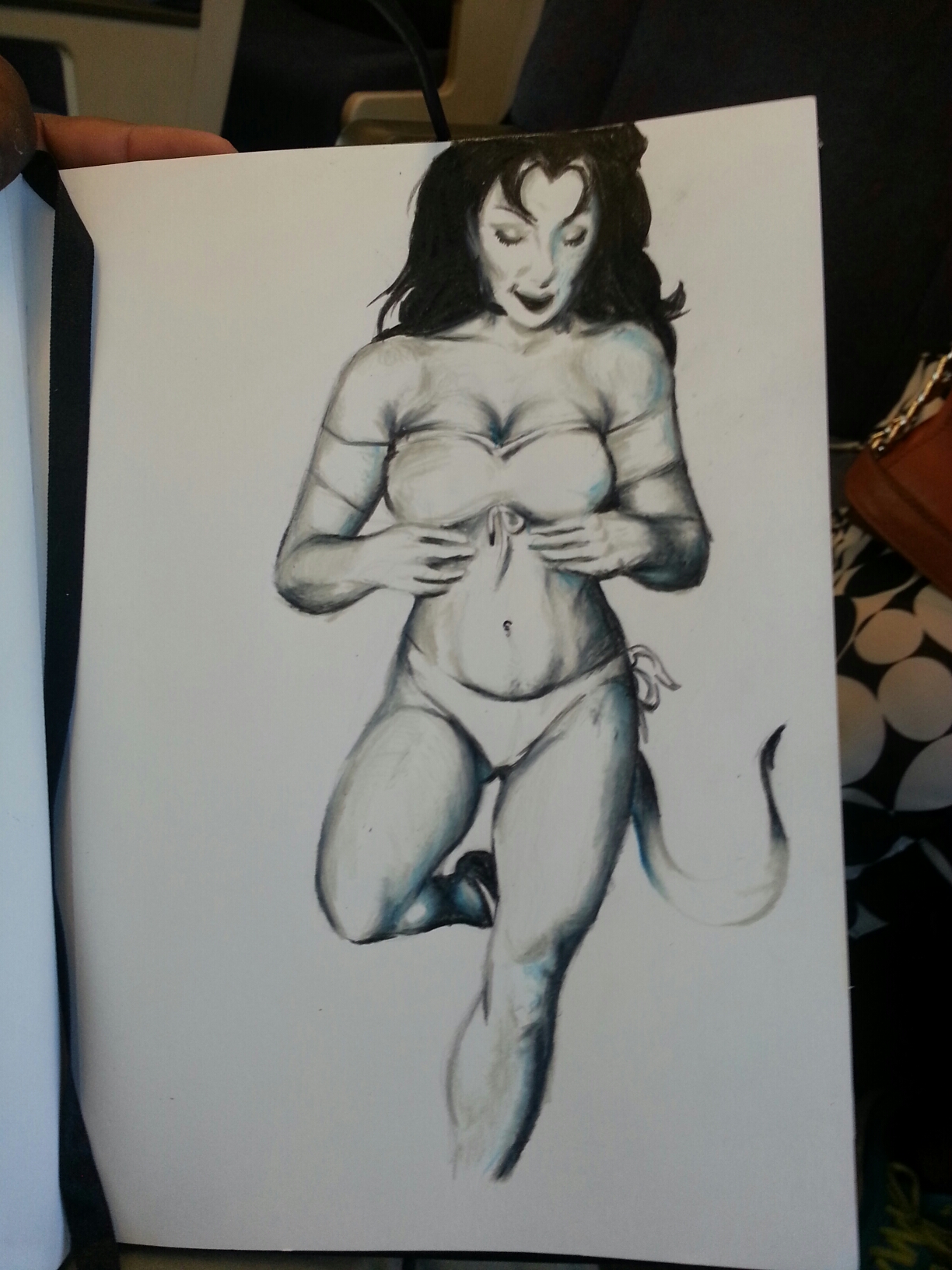
          I should have more art to show you. I do,  but it’s traditional art and right now it’s a little bit of a reminder of my recent crack up.

        I’ll come back to it, I promise.

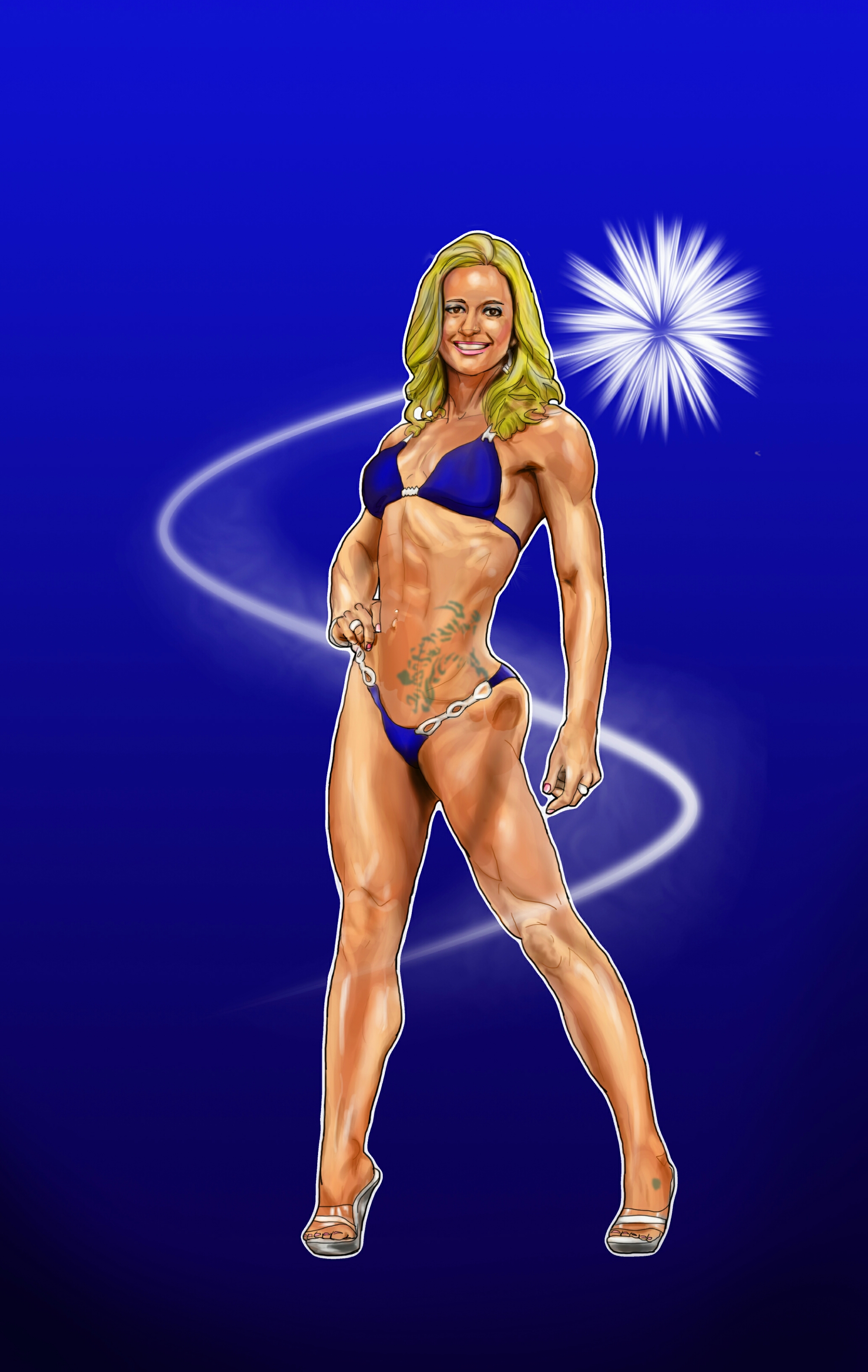
         For now, I’m showing off a piece that I did this weekend. It was for a friend and I’d promised to do it a while ago. It was very cathartic to pull this together so quickly after my hospital stay. Actually it was amazing! Can you tell how content I am right now?

My Sweet Forever Never

image

       Okay by now it should be abundantly clear that I have a type. Everyone does, not everyone can admit it, even to themselves. There’s nothing wrong with that; if we all like the same things there’d be no variety. The problem comes when you like something that doesn’t return the affection or worse, can be detrimental to you. I love Lamborghinis, but if I bought one I’d have to live in it!

     Likewise there may be a style of art that you admire greatly that you find almost impossible to master. Oh you know all the technical rules and have strived to be coherent in it. But it could be that your natural style opposes this.  Meanwhile you’re the world greatest at creating space illustrations. So here’s my questions:

     Do you continue to be mediocre at something you’re interested in? Or do you go the easy route to greatness and acclaim?

Unexpected

image

          I think this year for my vacation I’m going to stay in the mainland. Too close to not wanting that extra effort to pay off. It’s not something I can put a finger on. But I will.

image

    
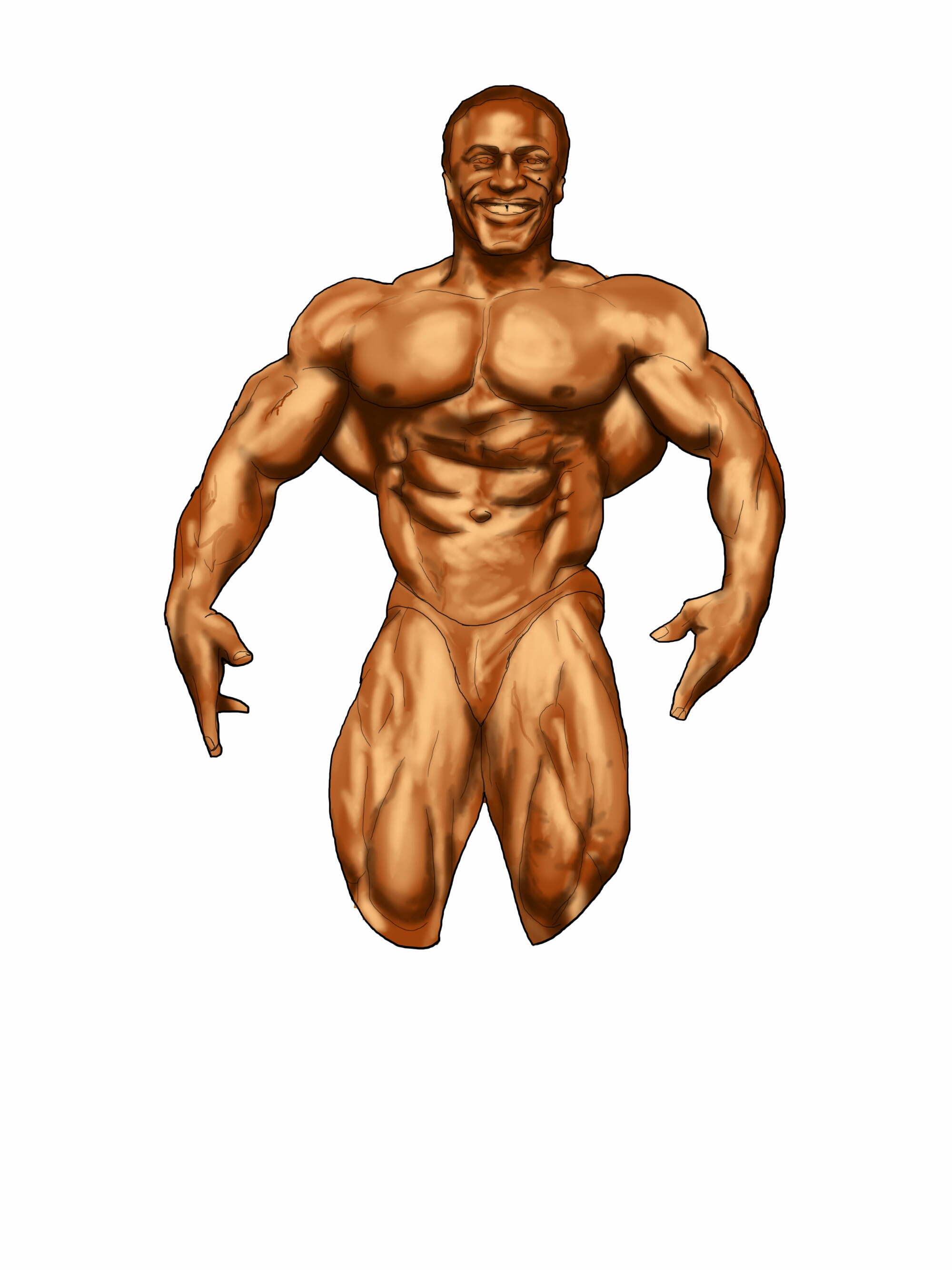
          This is Lee Haney,  8 times Mr Olympia. I met him years ago and was impressed most by his demeanor. Here was a man who had every reason to be a narcissistic ass, but he wasn’t. He showed me that greatness that self evaluates is greatness controlled. I draw him occasionally, usually when I’m doing my own evaluation.

image

         Hopefully you guys are doing the same. Whether in art or life.

Always know you.

Bleid

image

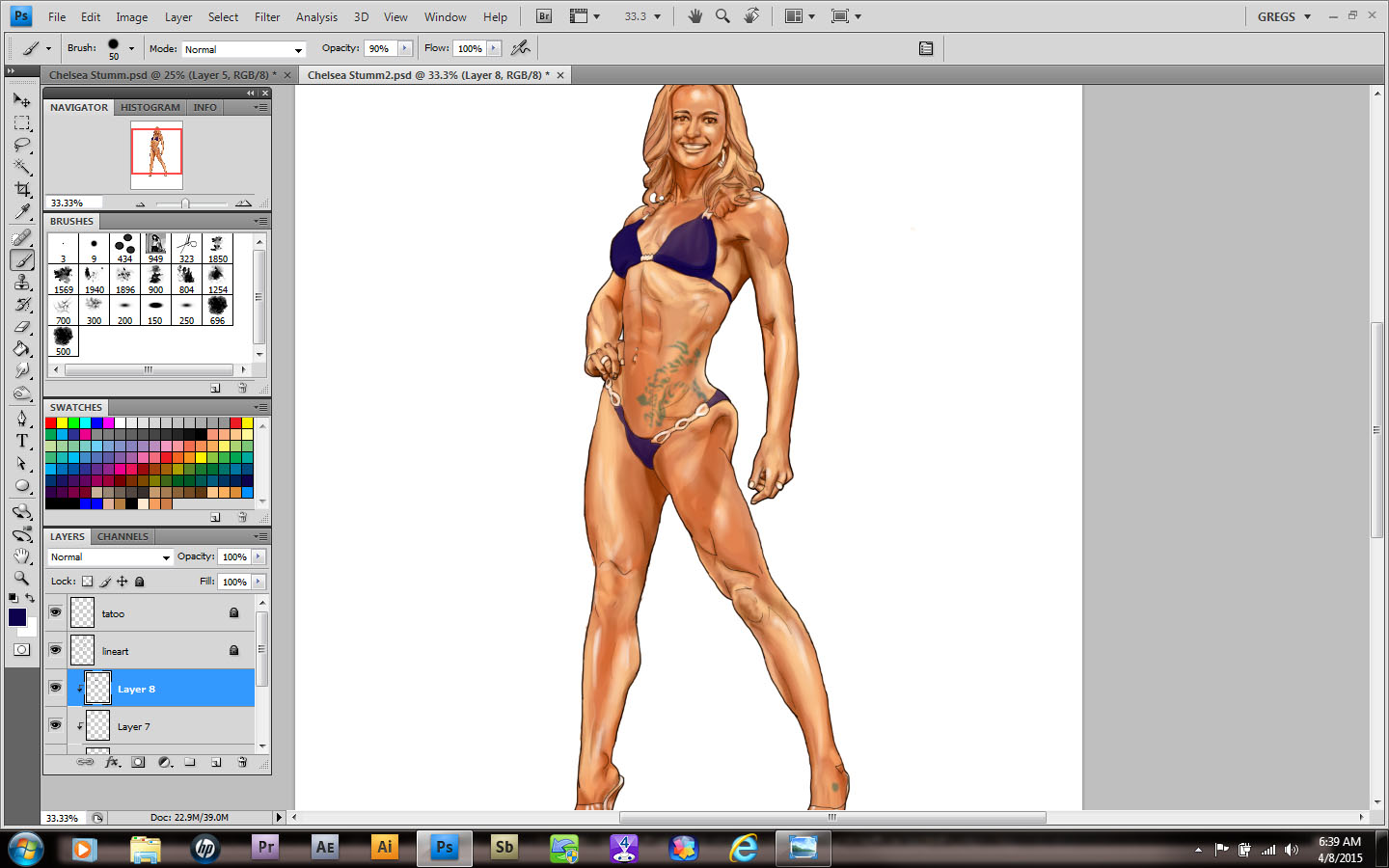
         I’m going to be doing a series of images with girls and bikes being the theme. Some of my biker friends asked why I never drew anything like that. There’s no reason and the subject intrigues me so I’ll give it a shot.

image

        First though, I have to get over drawing faces. I figure it won’t be much longer…

Color Blind part 3

image

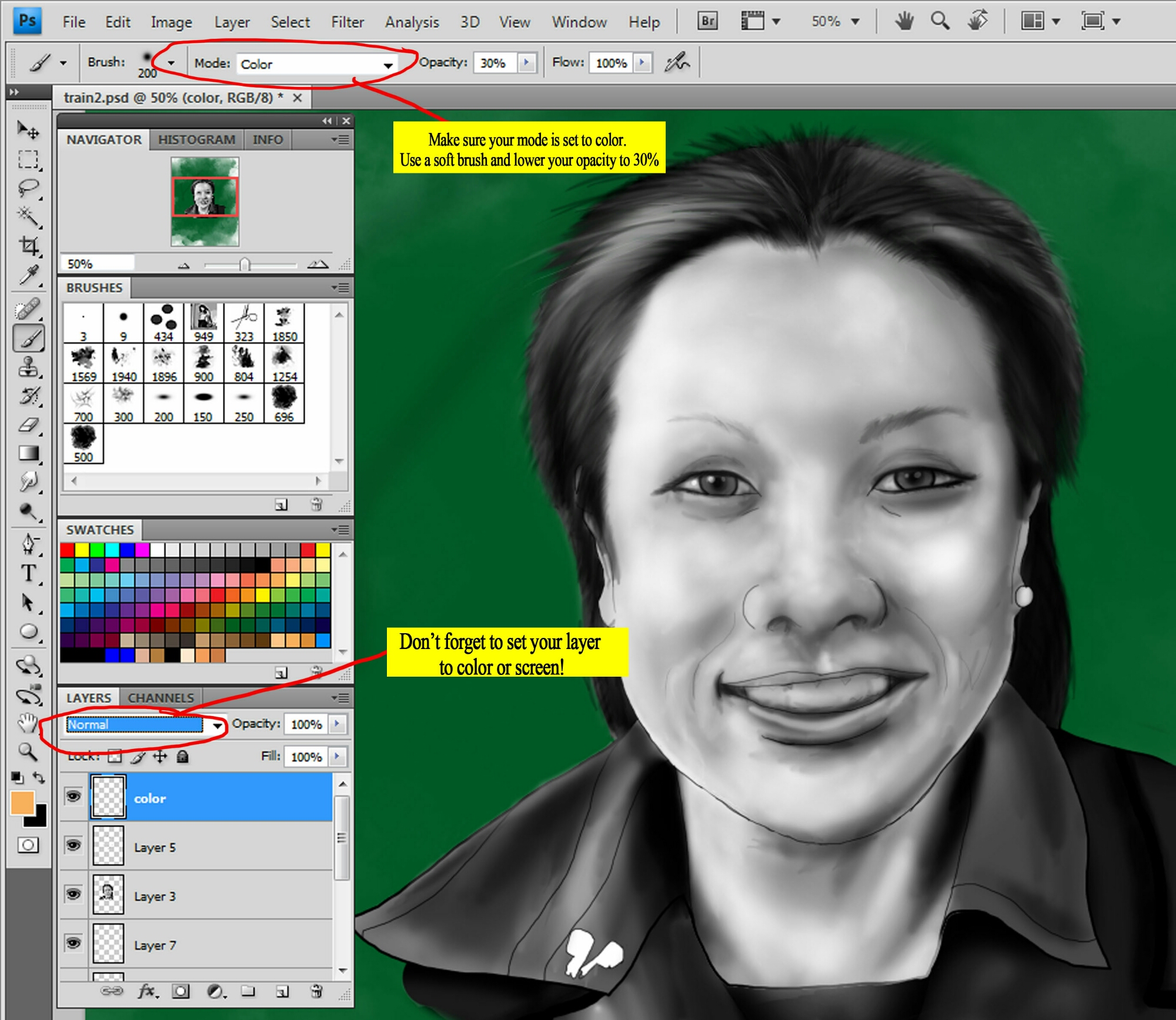
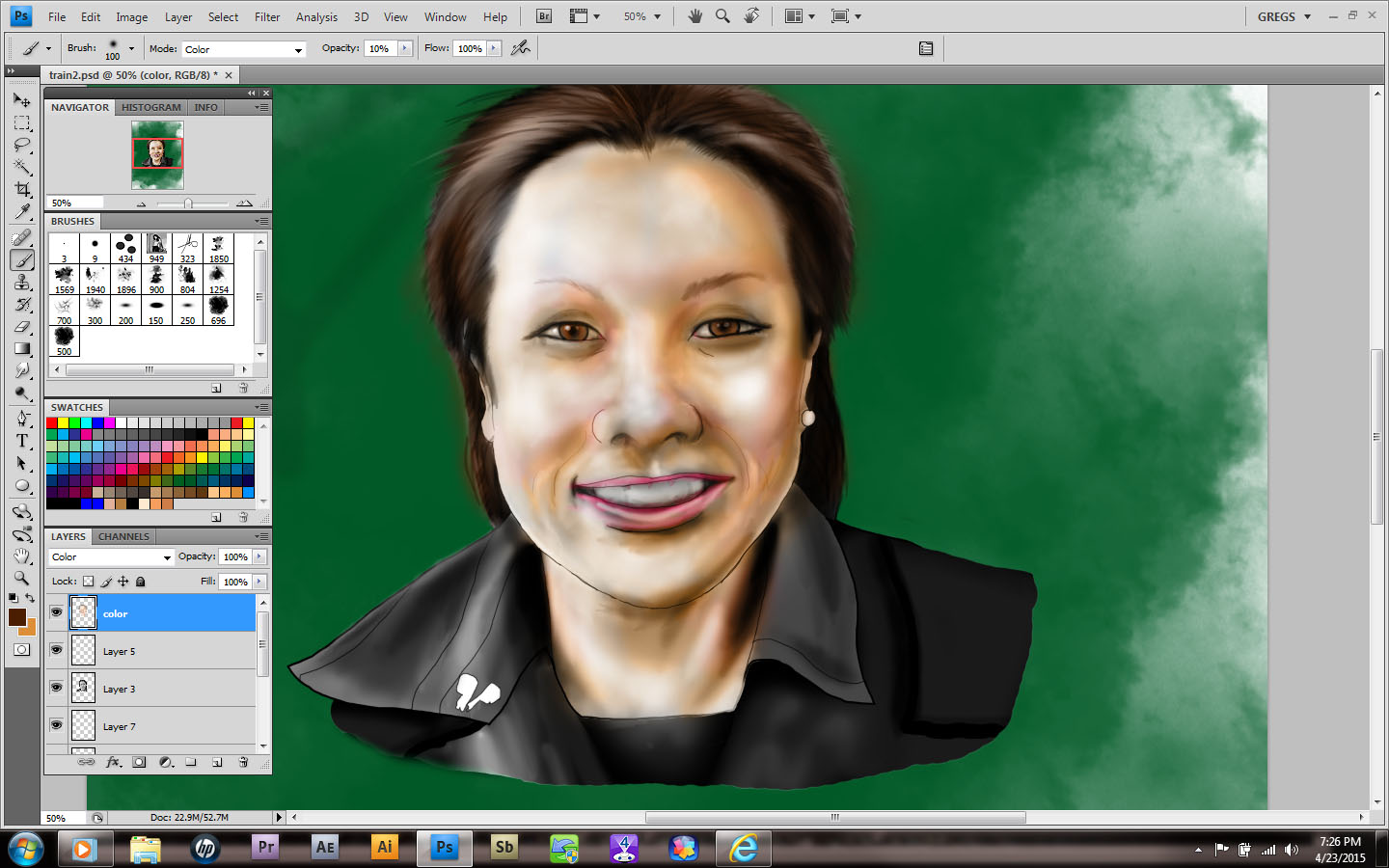
      So now we’re ready to add color to the image first I select a new layer and change it’s setting to color. I do the same for the brush, softening and lowering it’s opacity as well. I like to add color in strokes so it feels more like painting. Plus I don’t really clean up my brushstrokes. I like a little roughness to my art!

image

      Remember to add any layers of color necessary to achieve the look you’re after. Flatten your image when needed; it’ll save file sizes from getting out of hand. I leave mine in so that you can see the steps in the photos.

image

        The background color felt a little too dominant compared to the foreground. I use the hue/saturation tool [ctrl/cmd+u] to change the color and lighten it.

image

        I still have a little work to do, but you get the idea. Try to choose your palette BEFORE you get to that last step. It’ll make life a lot easier. Have fun!

Color Blind, part 2

image

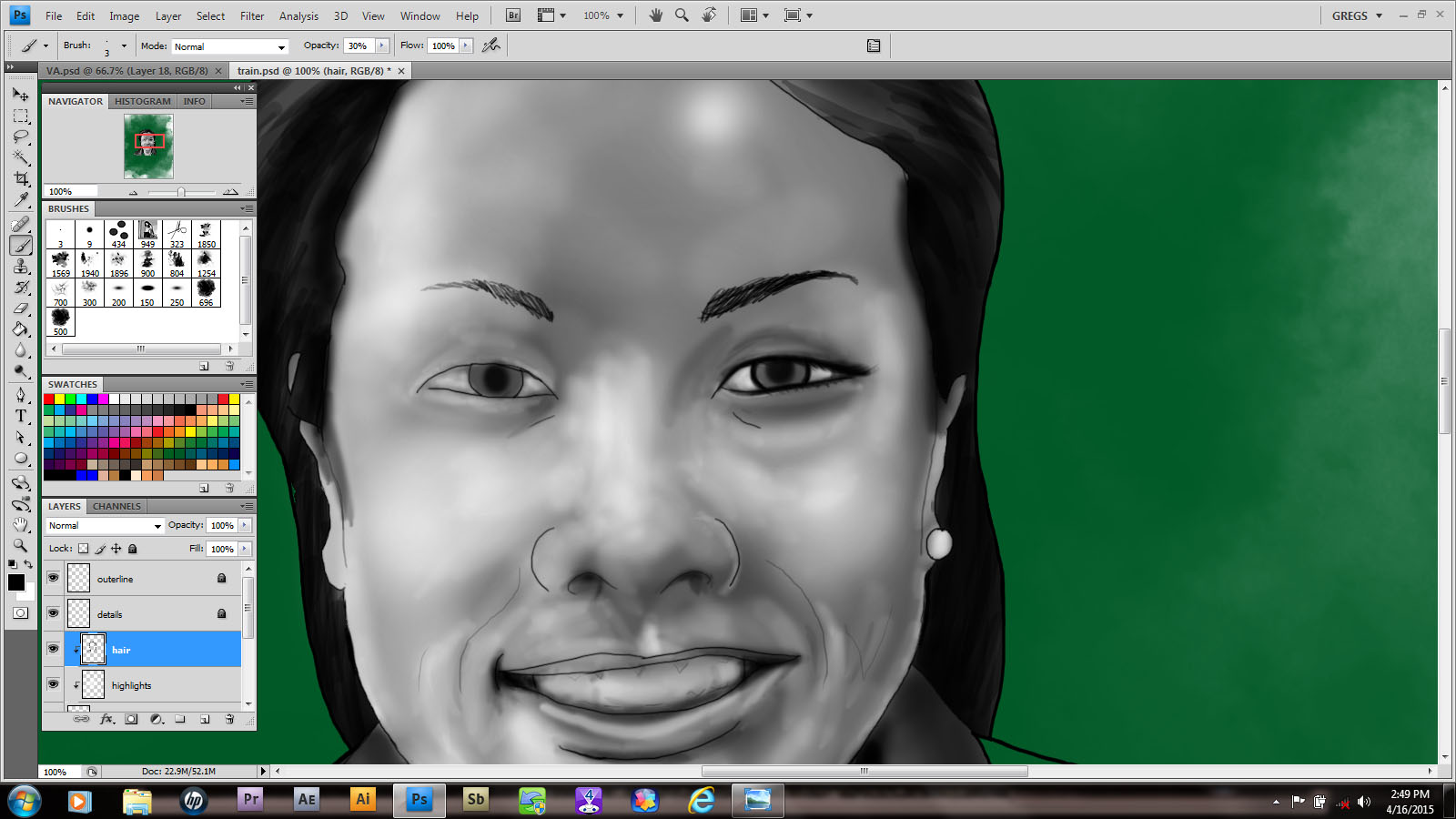
       Wanna hear something funny? When I dropped in my color for this image, I did it in color! Had to correct that after I realized it. From there I create a clipping mask and began adding my highlights and shadows, each separately. I’m allowing a little bleed over into the hairline because it helps set up the tones I need for the scalp.

image

      Next I add the hair and eyebrows. When I feather in the edges of hair I like to use a custom brush that I got from another artist, Genzoman. I don’t always want to make them and a good idea is a good idea, especially if it’s freely given. The eyebrows are a little too dark, so I’ll erase them with a low opacity soft eraser to get them right.

image

     When you’re doing eyes,  it’s hard sometimes to not go overboard with detail. I create a more realistic look when I dial it back a little. Also it took awhile to not add little bright dots for highlights the way I did when I drew anime style characters. It’s a good look in that context, but a little soft brush goes a long way.

image

     Finally, I began texturing the hair. I didn’t want to go for a flat sheen. Too plain.  So I added some stray strands to give it personality.

      So now I’m almost set! Next time you’ll see the final product, so keep an eye out!

Color Blind

image

      Didn’t I promise you guys a greyscale image that I’d color by blending them in?

      I can’t remember….

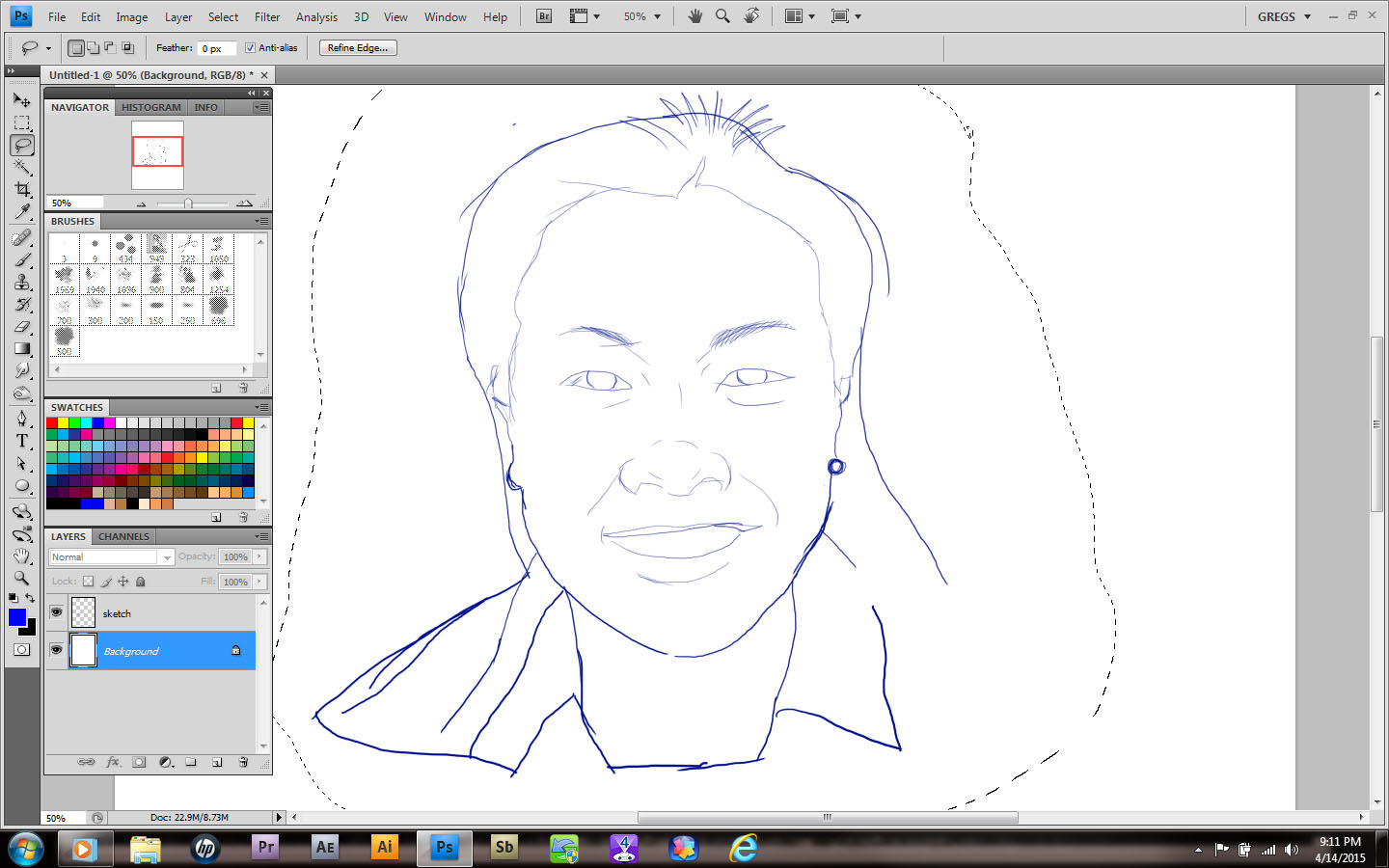
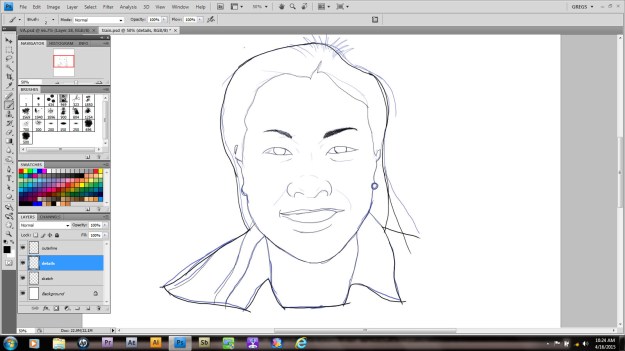
      It doesn’t matter though, cause I’m doing it anyway! I begin by drawing my subject from a very bad phone shot. No, I won’t show it; I’m a videographer my rep would suffer! Besides, this is really just a sketch. Once it’s done I began by changing the color and opacity. I create a separate layer for all the line work needed. Always make sure you’re using hard edges at this stage.
image

      Once you’re happy with your line art you can divide it up if you choose. I always put all the interior detail work on a separate layer, so that I can change it to go with my color fills. I’m pretty sure that’s not standard or anything,  it’s just something I prefer.

image

       Today I took a cloud brush and stamped in some green clouds. Why? Hell if I know!  Just kidding. I actually have an idea kind of bouncing around in my skull. After that I create another layer and use the selection tool (w) to outline the main layer of art. If it doesn’t come all the way into the line, choose [Select> Modify> Expand ] to increase your selection edge by increments of pixels.  So much fun!

      Once you’ve gotten a good setup, make sure you have the interior of your outline. It you see your selection ants on the border as well, press [Ctrl/Cmd +shift +I] to invert your selection. The next step is to pick a midrange color and using either your brush or paint bucket,  fill the selection area. Pretty easy, right?   
      That’s it for now. I’m going to go drink and play while you practice. Just like a real teacher…

High Grade

image

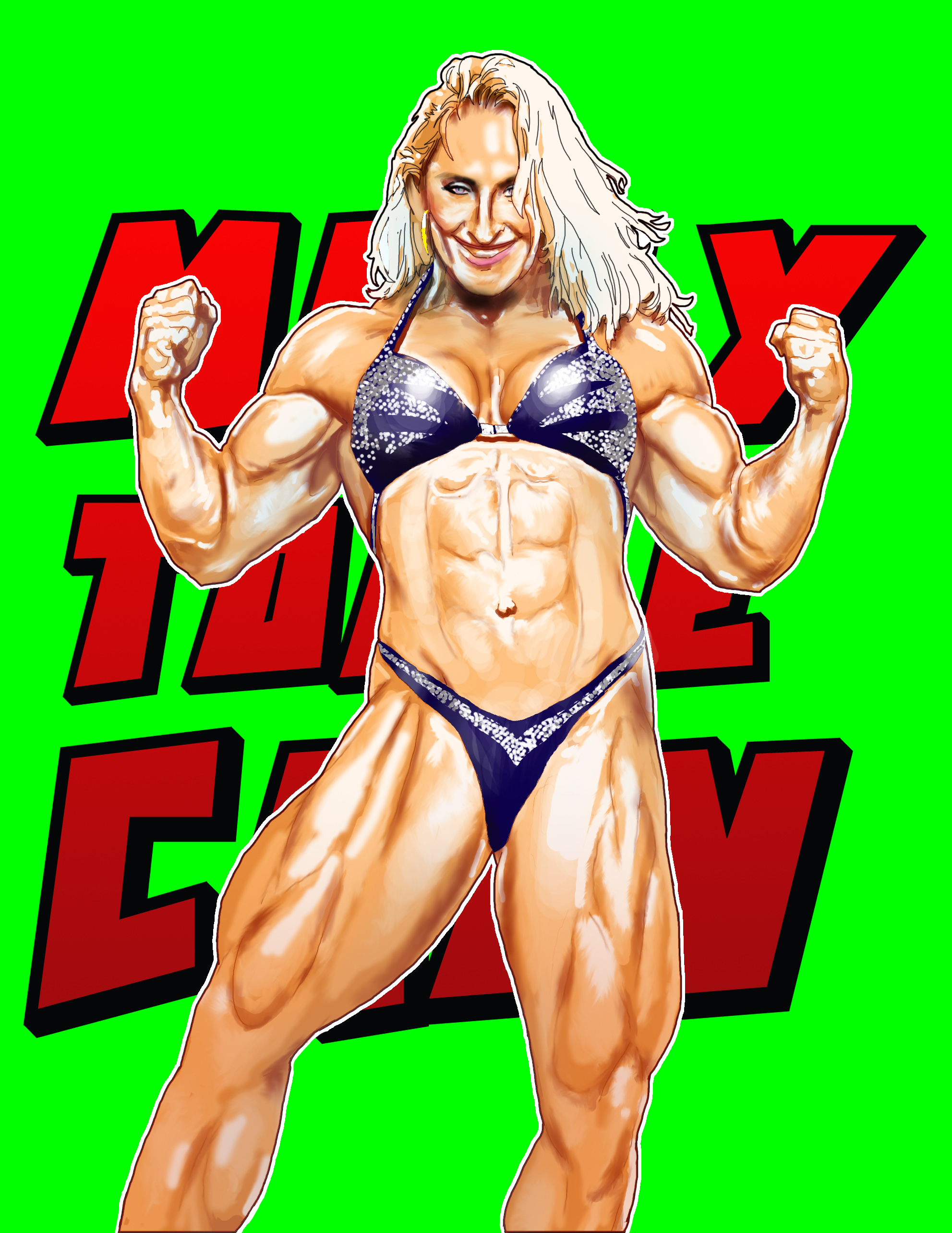
     I have a playlist of anime songs. Apparently it’s very motivational, because I was able to finish the picture I was working on.

      My life has hit a quiet patch; as a consequence of this,  a lot of my ongoing projects are calling for my attention. Plus, I intend to start doing a little more creative art just for fun. So there may be fewer people in the near future.

image

         The funny thing is that I joined a new group and offered to make this image a procedure tutorial. Hopefully I can pull it off! In the meantime, my next drawing will be of a beautiful Asian lady I met on my train commute! Hope she’s going to tune in!

The Wall of Why

image

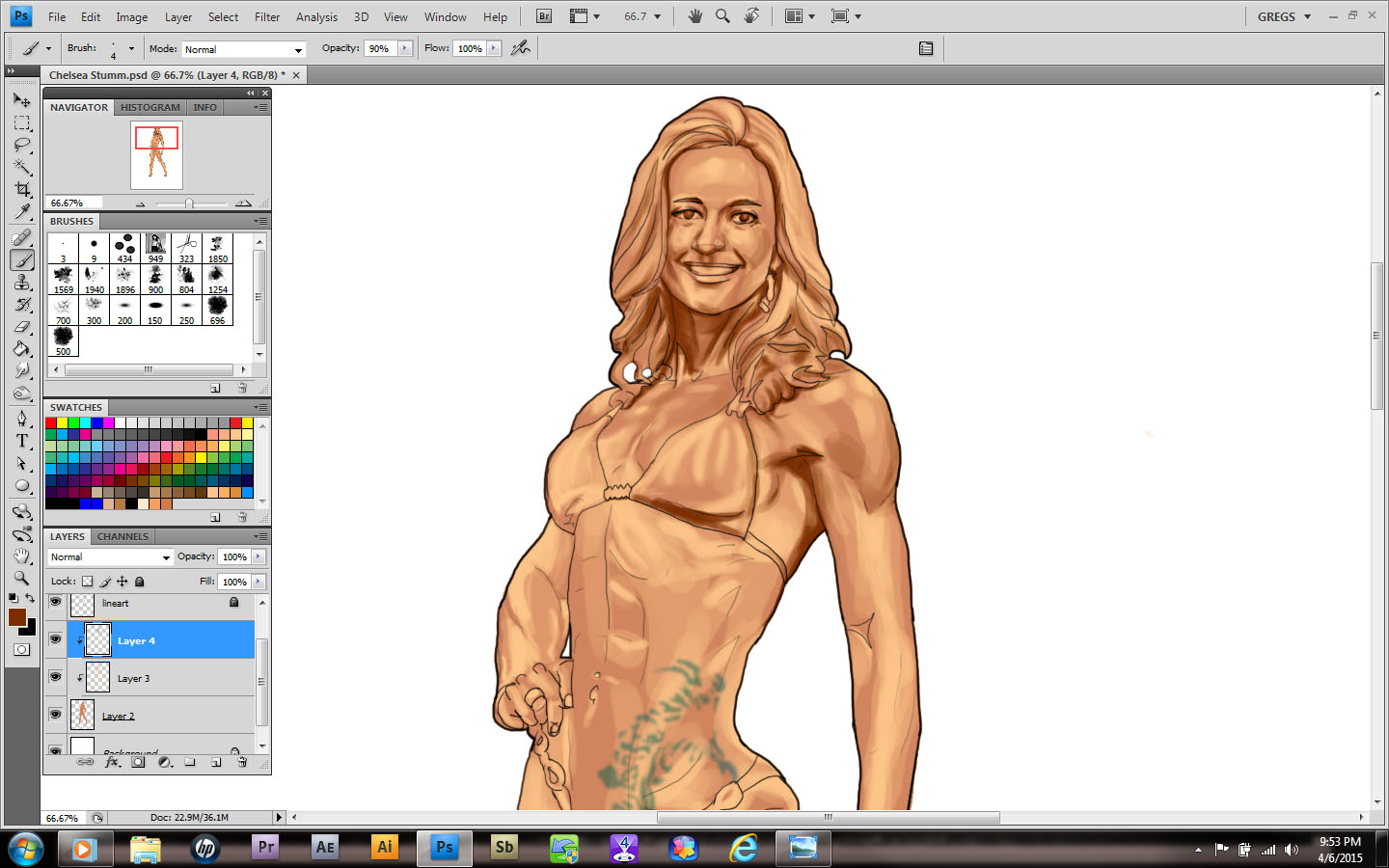
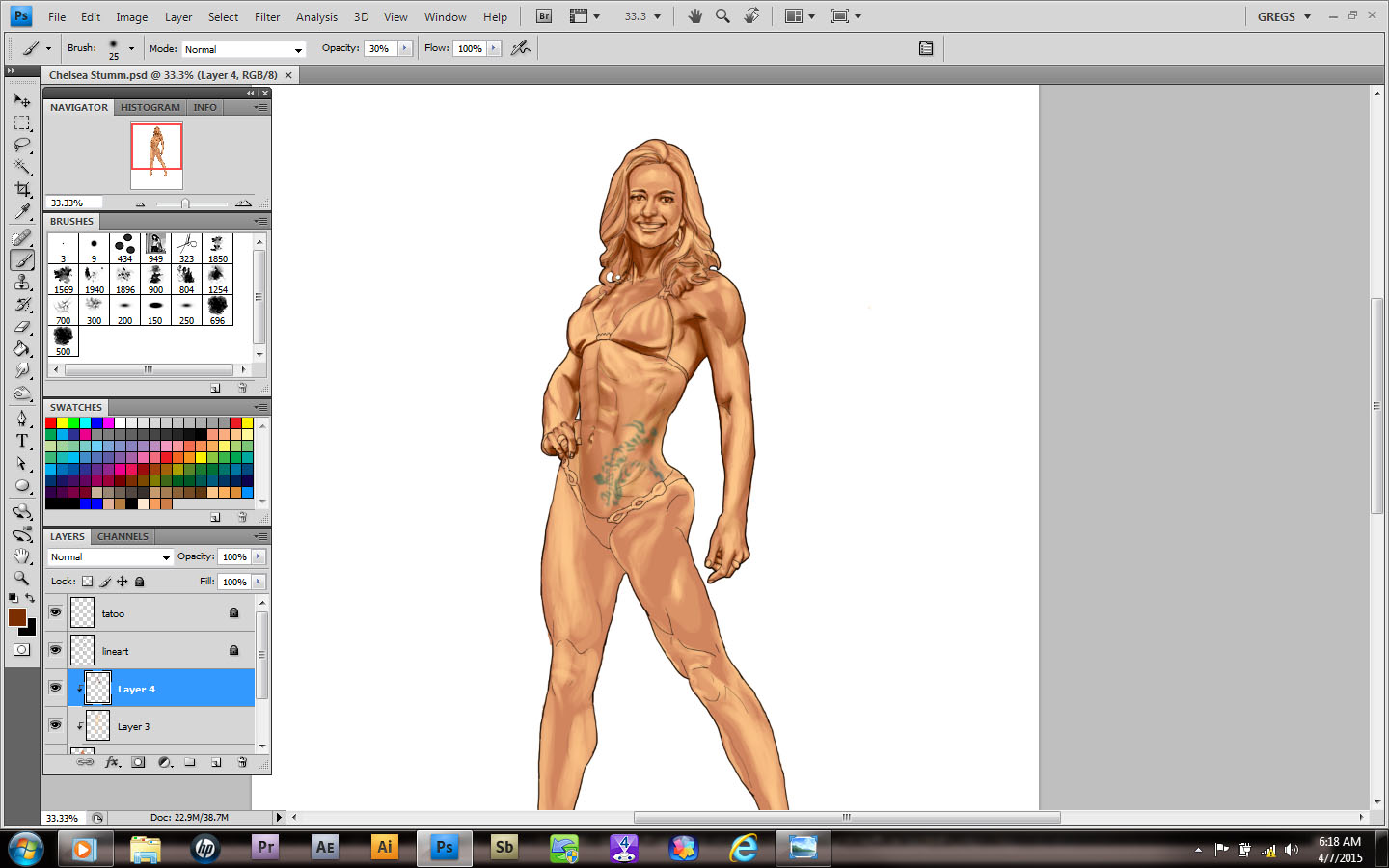
     Listening to Sugar Ray while sitting in my art room drinking shots.  How old school is that? I’m actually adding my shadow layer now. Since shadows are never actually black (unless you’re that feeb, batman), I try to pick a color that’s on the far end range of the neutral skin tone I chose. Also, an overall warmth will be a part of this image so instead of a cooler version I went with a reddish brown.

image

     I’ll admit that I have no real preference as to where I start my shading process. I’m sure there’s probably a very technical reason for it; to me it simply feels right. Lately I’ve been reading about how digital art seems “soulless” to some. As a personal choice I try not to completely smooth out my shadows and layers of color. I actually like my stuff a little rough! Again no true reason for it, other than it appeals to me. Could it be that I’m starting to develop my own style?…