Tag Archives: photoshop

Cafe Muse, part 1

cafe1

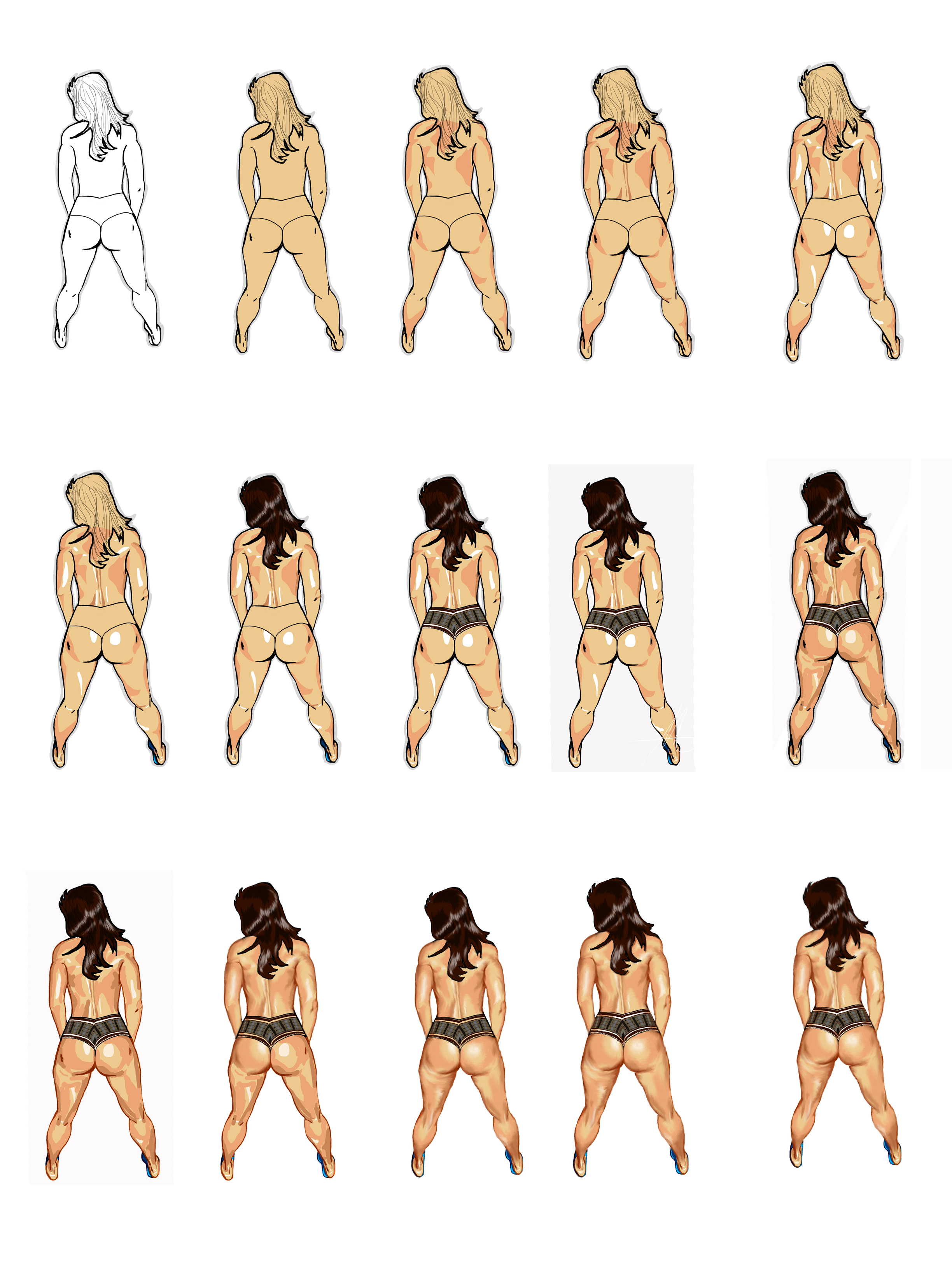
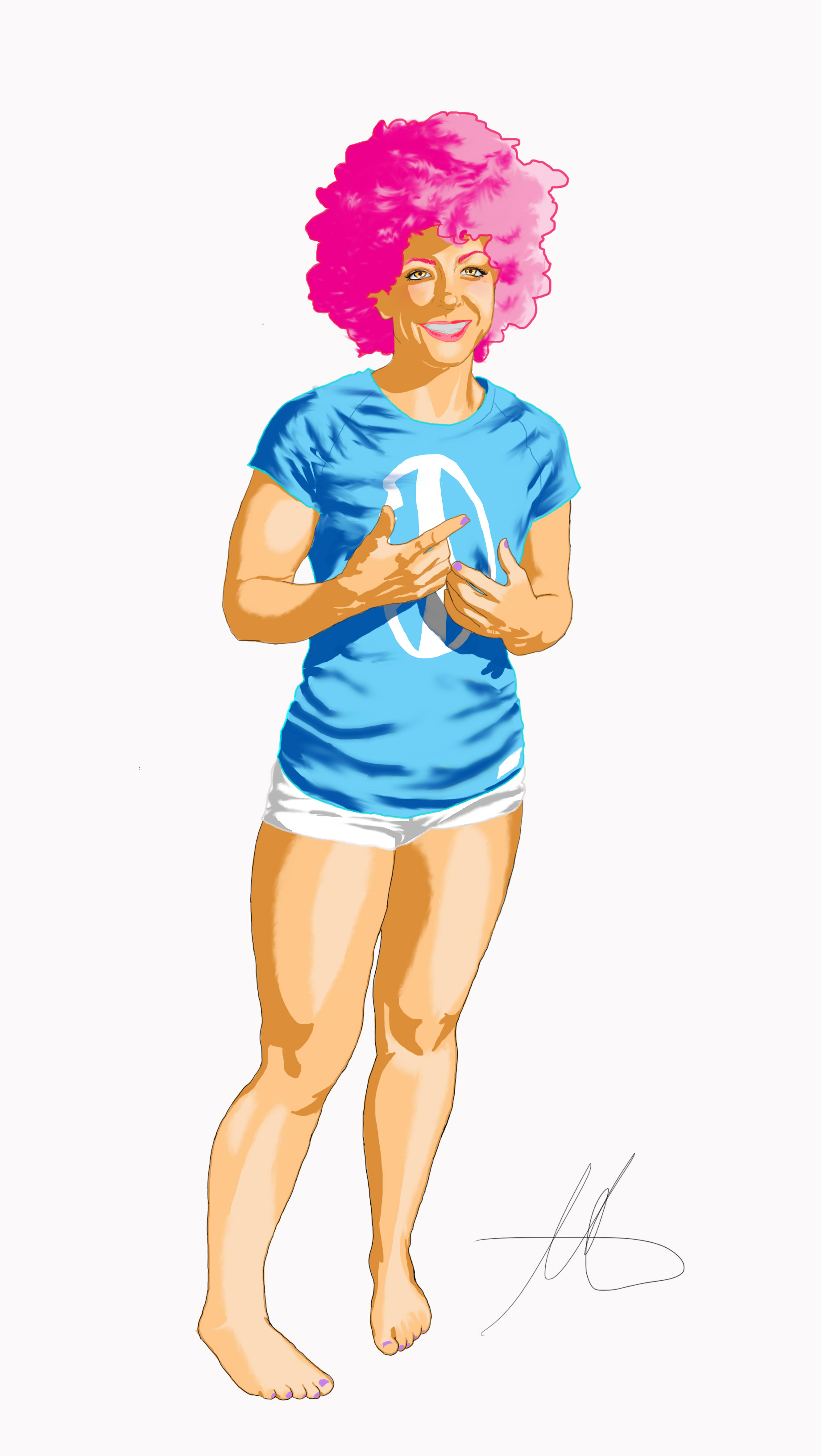
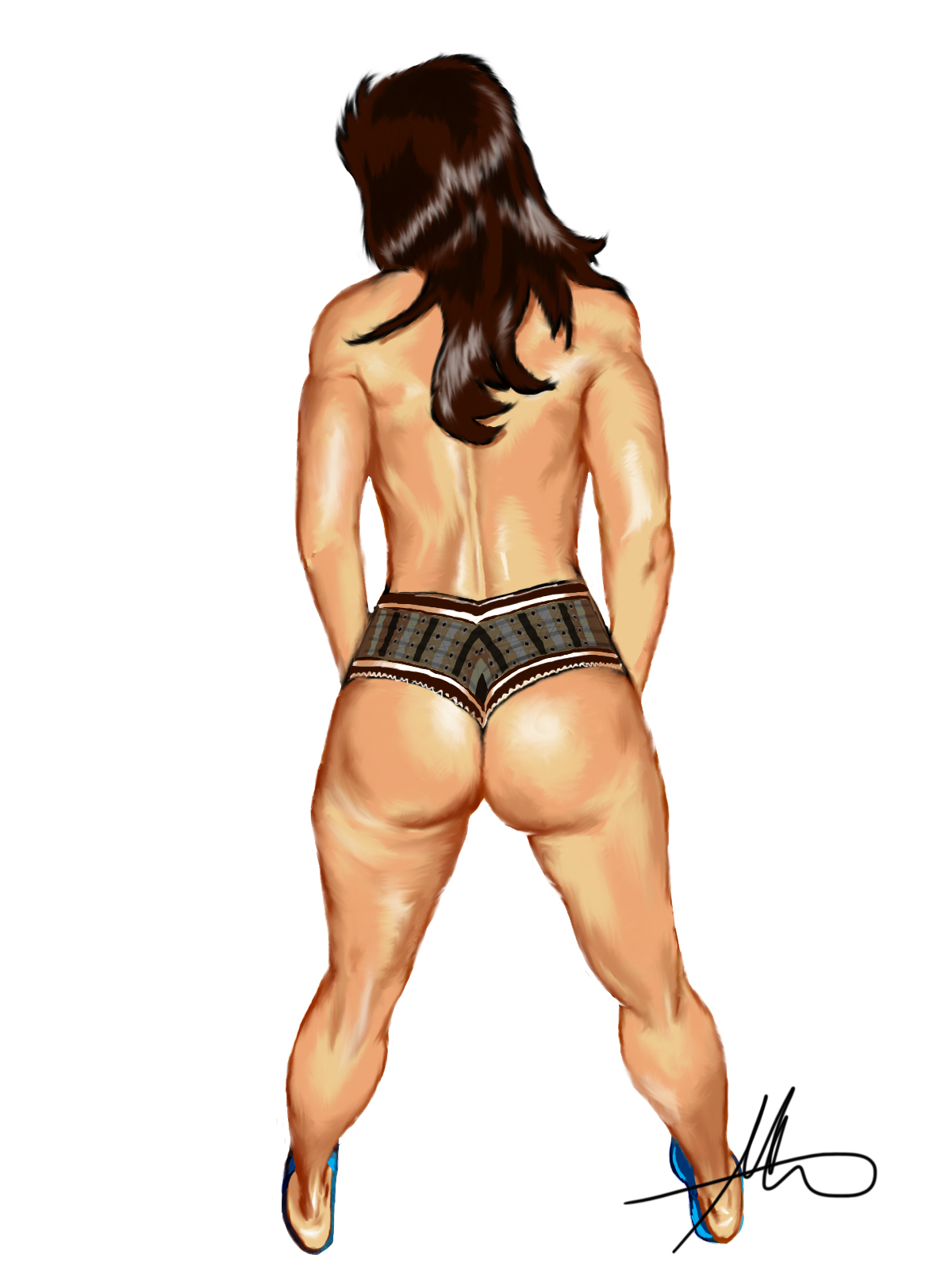
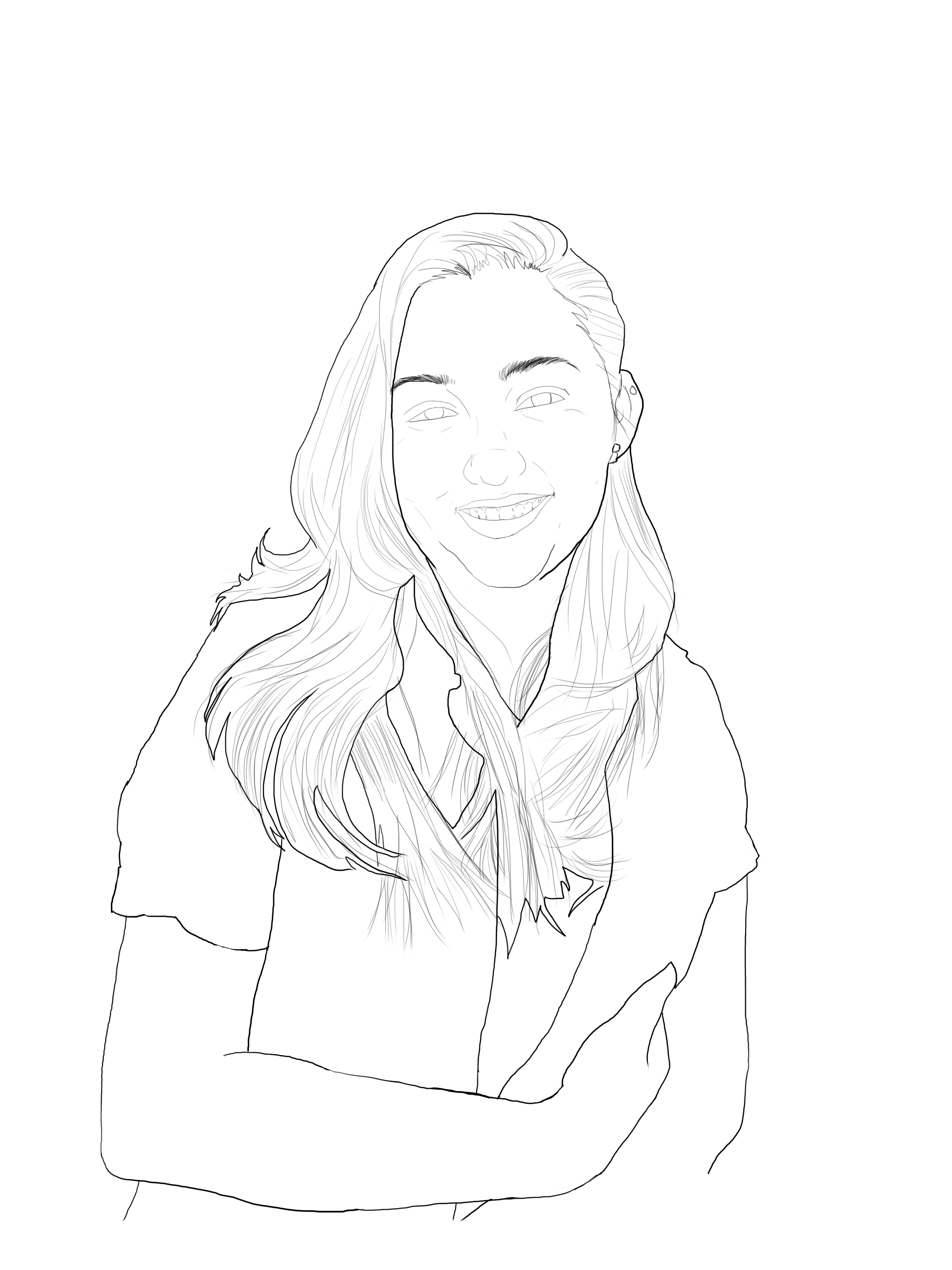
To begin I know a lot of guys make little composite sketches and practice in different colors and things to get started. That has never worked for me. All the work I’ve done that way always feel stiff and forced. I learned to draw by myself and didn’t get much in the way in formal education in techniques. Hell, my first art paper were the backs of my homework and whatever pencil my mom bought for school. I would start a picture from the part of the person I found most interesting, in this case her hand, which seems to be cupping her breast. This is how I work when I’m using source material; when it comes to original works from my noggin, I definitely will do a rough sketch first!

Because of my haphazard way of starting my pics, I tend to use really large canvases then crop them to size. So for major shapes or general outlines, I always try to use a brush size that is at least 3 points larger than the detail brush. Also, I try to keep these disparate line types on separate layers. That way if I don’t like my fine lines or overall outline, I can change them without affecting the entire image. Don’t forget to change the name of your layers so you don’t get the two mixed up and lock anylayer and group you’re not working on. Its easier than going back in the history to fix a mistake!

Well, that’s it for now. Next up will be colors and I promise more pictures
First Winner!

20130919_114032

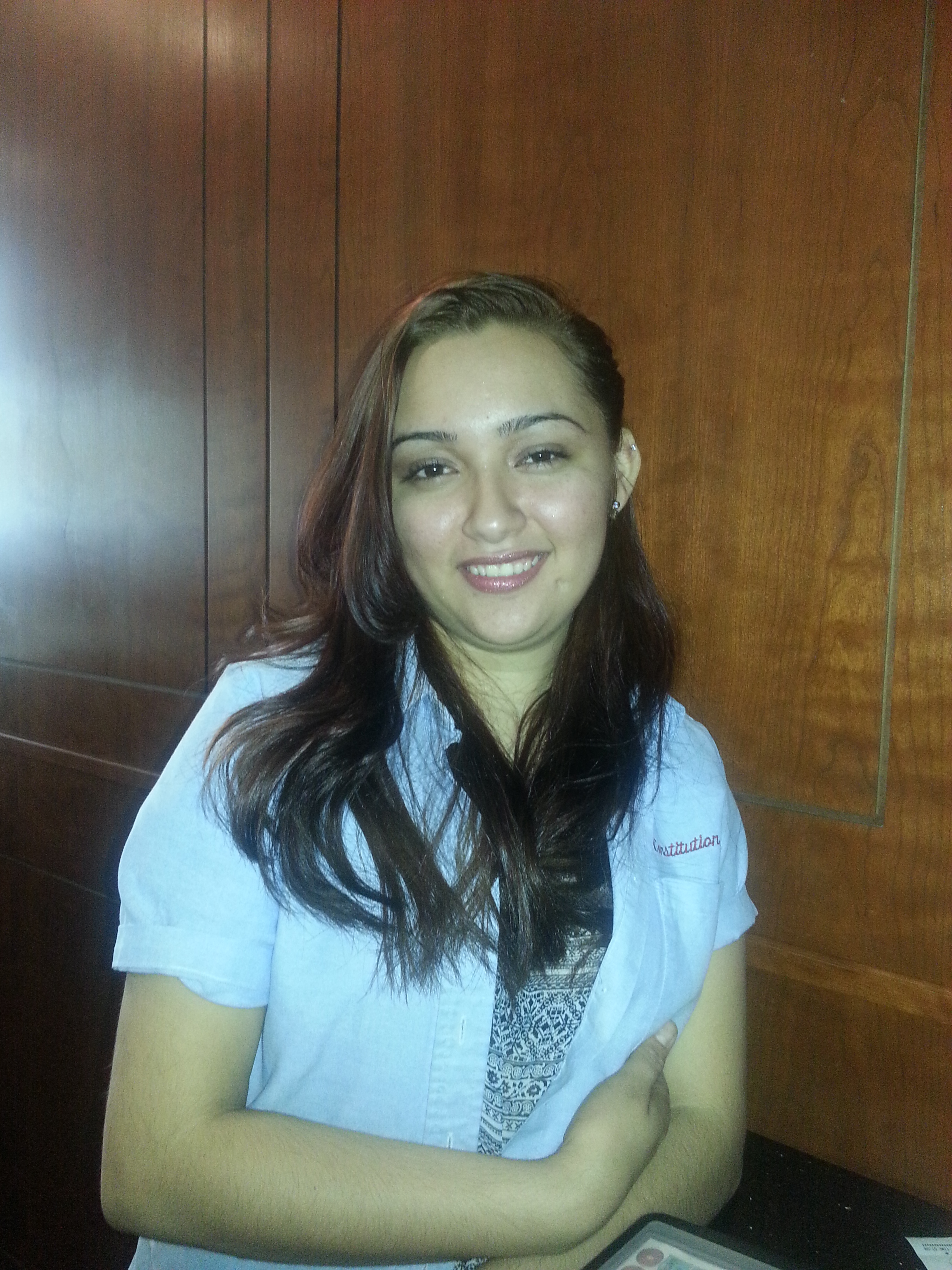
This will be the subject for my first Muse of the Month pic! I’ve already come up with a theme for it, so hopefully you guys will follow along.

20131106_054442

The first thing I had to do was create a layout for her image. I’ve always been partial to poster sized renderings, and since she is going to receive a digital copy of this image, i’m sure she may want to recreate it someday.

Closer

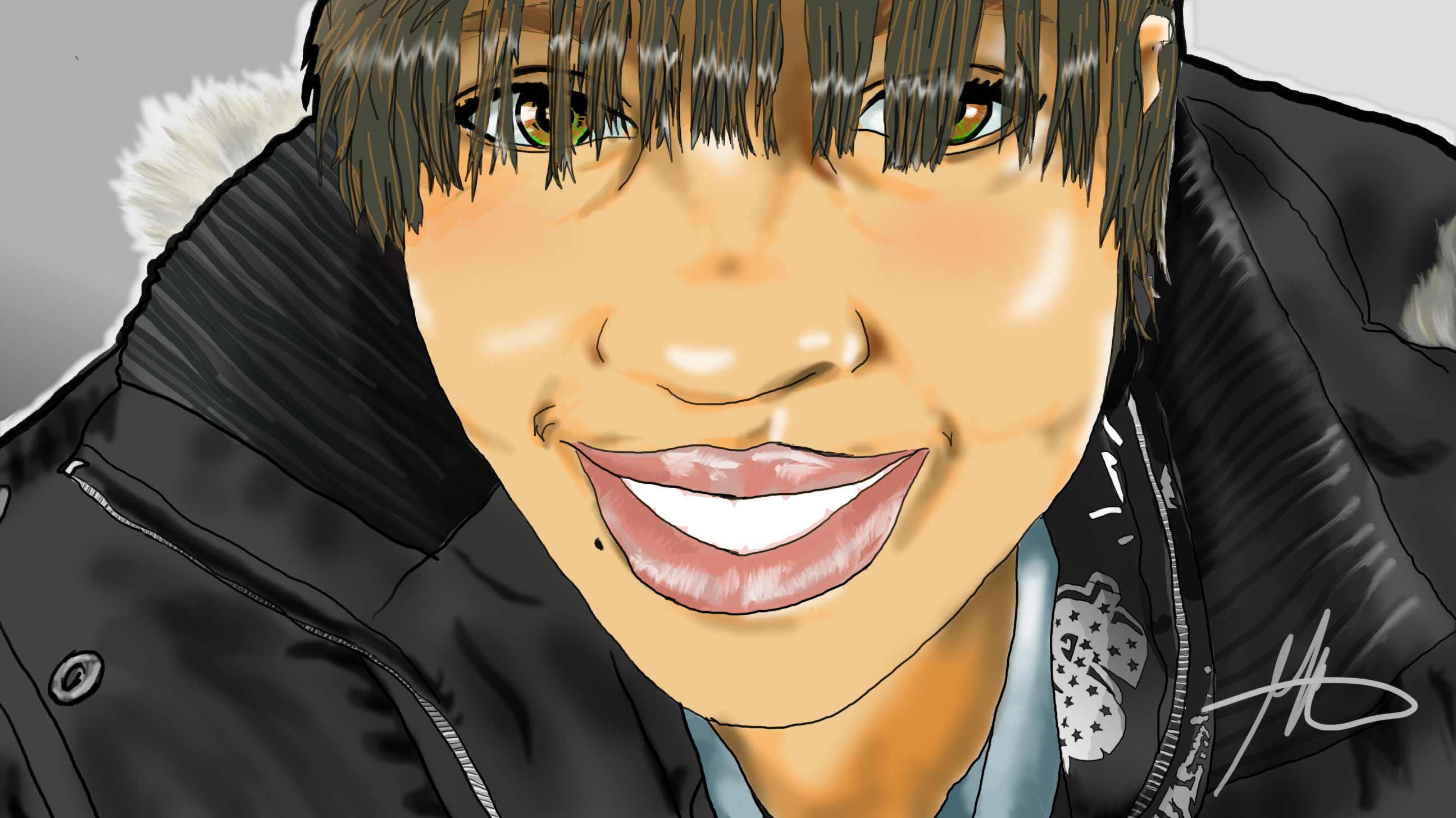
 Soon, it’ll be time for me to get busy with all the bodybuilders I’m going to be drawing. I can’t wait! In the meantime, I’ve close to finding the winner for my muse contest. In the meantime, here’s a picture I did based on a photo by a friend, Seawolf, on deviantart. Enjoy!

flow

Muse of the Month Contest!

bright-eyes_web

I STILL don’t know how I got that look with the hair, lol

Great news! I’m starting a new thing on my blog called “muse of the month”! In other words, you guys are going to make suggestions about a drawing for me to work on and I’ll show you the steps and discuss it, leading up to the finished piece! So basically it’ll be a tutorial my readers come up with! How cool is that?

With my growing workload, once a month is about as often as I can pull this off. but as you write in with your suggestions, I’ll read them and decide. Of course your name or handle will be mentioned as the spark for my art. So get into your imagination and let’s give it a whirl! Oh, one more thing; family photos, if done, will not be formal. They will be changed but familiar. So if you don’t mind seeing your mom and dad as one of the Herculoids, let’s do this!

Taking steps

Heath_breakdown

for smudging, I built my own brush


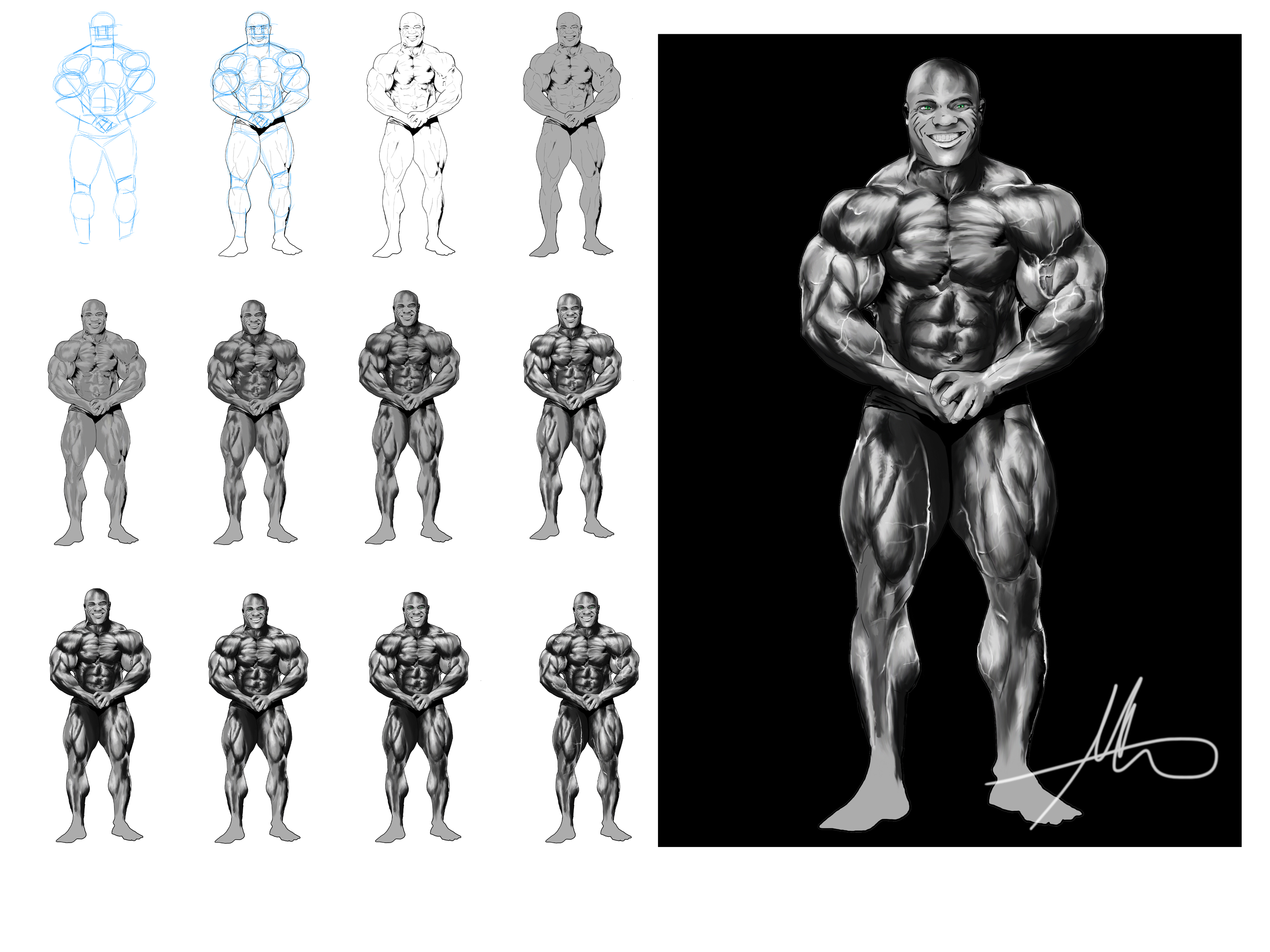
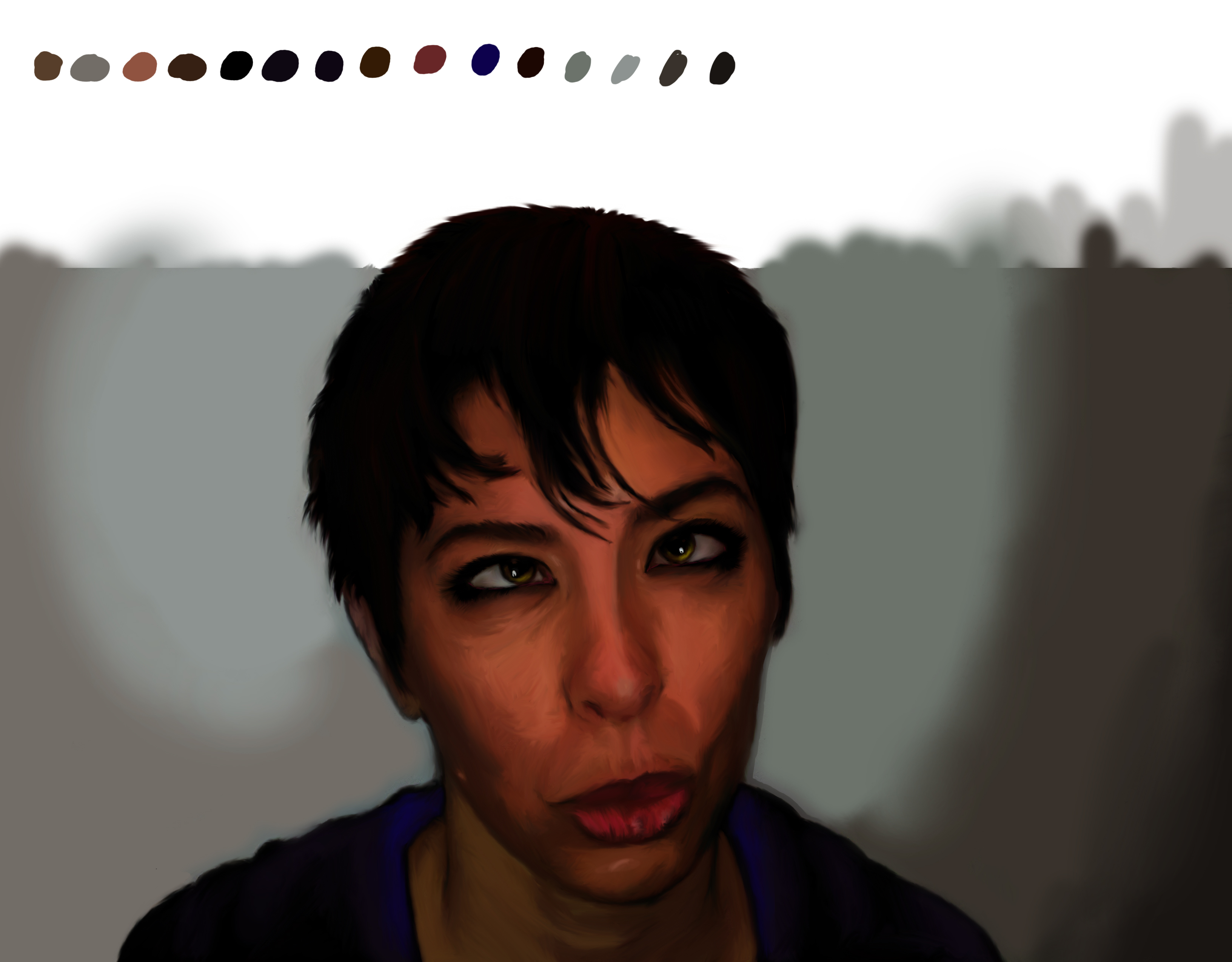
Since I’m starting to get ” how to” questions, I hope these pic that I’ve made will help. For shading I never use the dodge or burn tool, preferring instead to use smudging. With about 52% opacity on the tool I get a fairly sketchy look. To me it feels more like actual drawing that way. I used to until recently lay down the mid tone first, then add the shadow or highlight later. nowadays I start from the darkest. I do this by squinting at my subject and dividing the lighting into three layers.

when I need an inbetween color I take my brush tool reduce its hardness to zero, opacity to 34% and slowly add a bit of each color until I get the one I need. Its hard to explain, but if you look at my piece called Baklumps you should see an example of the technique in the corner of that pic.