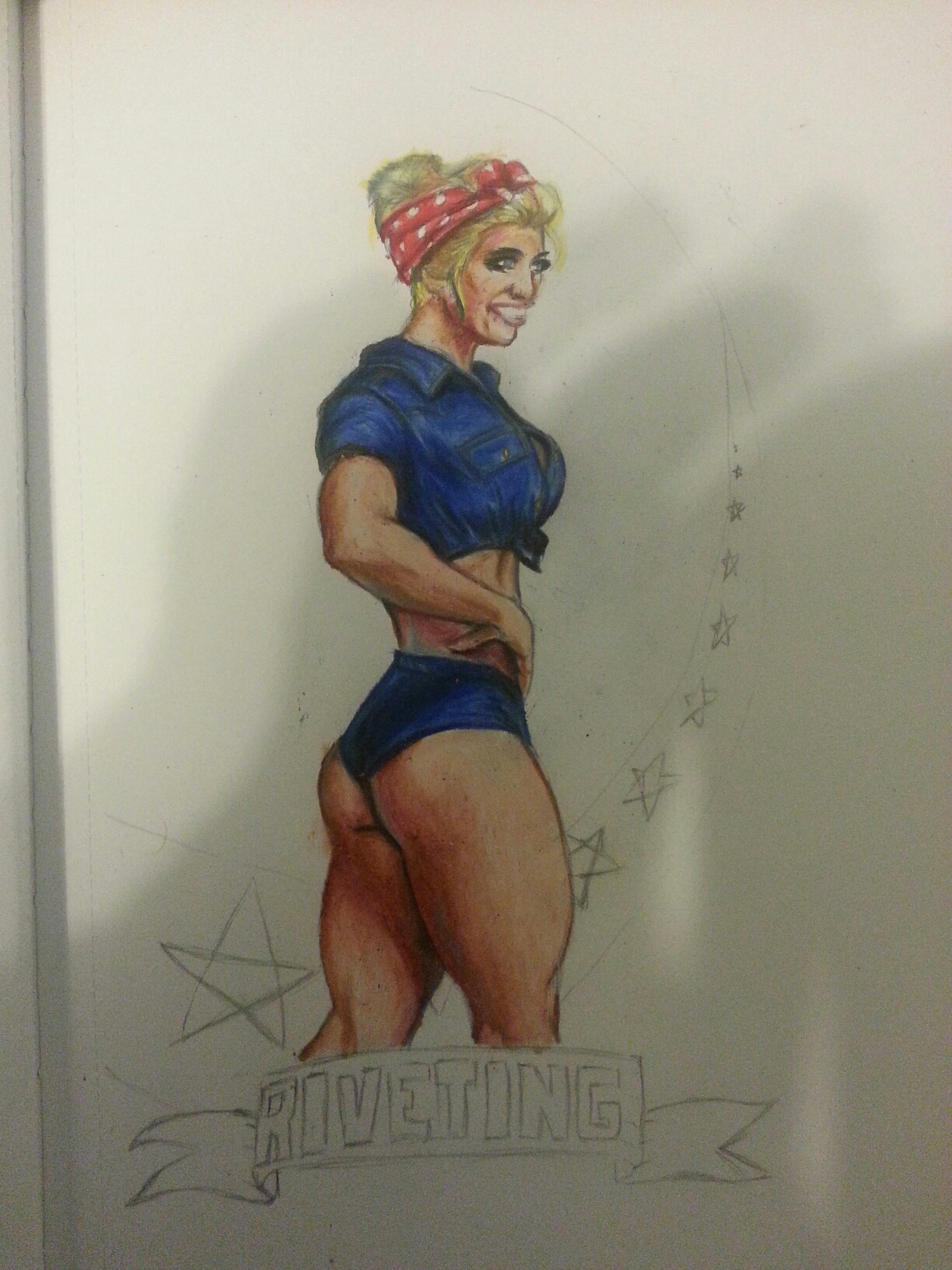
This picture is meant to be motivational for someone else, someone who could use the gift of self esteem. We’ll see if that gift is well received…
This picture is meant to be motivational for someone else, someone who could use the gift of self esteem. We’ll see if that gift is well received…

Done! I totally went out and got a little play time in when it was over. Plus, now all the other projects can get rolling. She was really happy with it and that’s the best you can hope for. Muse time suckers! See you tomorrow!

I’ll admit that I have a really low threshold for boredom. At least I’m open about it, but it’s been known to get me in trouble. Trouble like having someone walk into your engineering booth during a live production only to find me drawing the above image. Did I mention that the someone’s were my supervisor and the lady I was doing the program for? No?
Well, it was.
The show went off without a hitch.
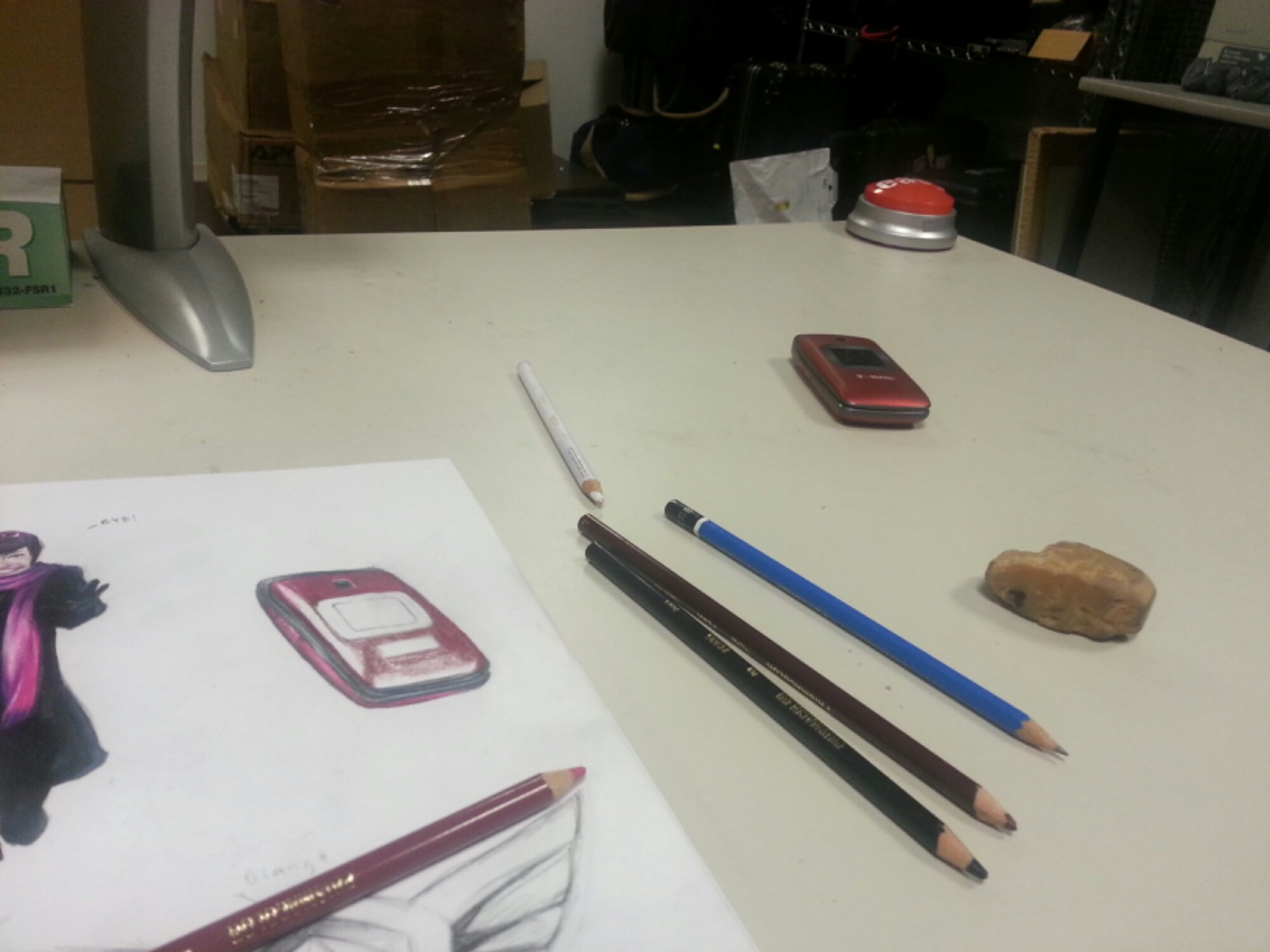
Had a slow day at work today, what with the snow and all, so I finished editing a video and let it render. While waiting I decided to do a little drawing, old school style.

What do you think? Anyway, the reason I’m so happy is because my life sucked recently.
I fixed it.
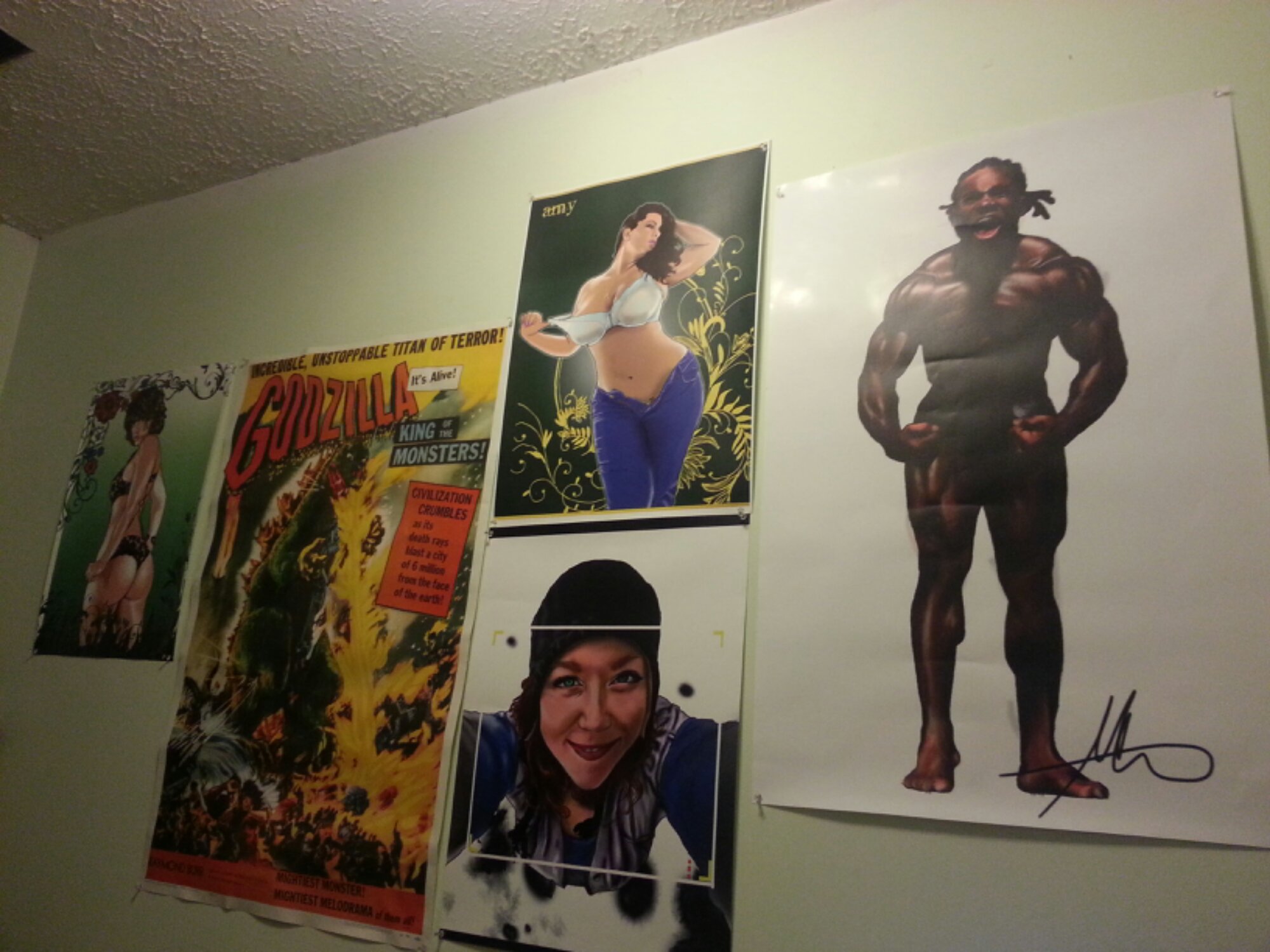
Finally starting to get posters of some of my art! Happy Thumper Dance! These make me feel more like a professional; until I looked at the bodybuilding one and realized that I used a version where I hadn’t cleaned up my mistakes! D’oh!
Of course everything hasn’t been ALL roses. I’ve had some major personal setbacks to overcome recently. In fact, now that I think about it…
They started about the time I began seeing my current girl.
hmmmm….
Everything is starting to come together!

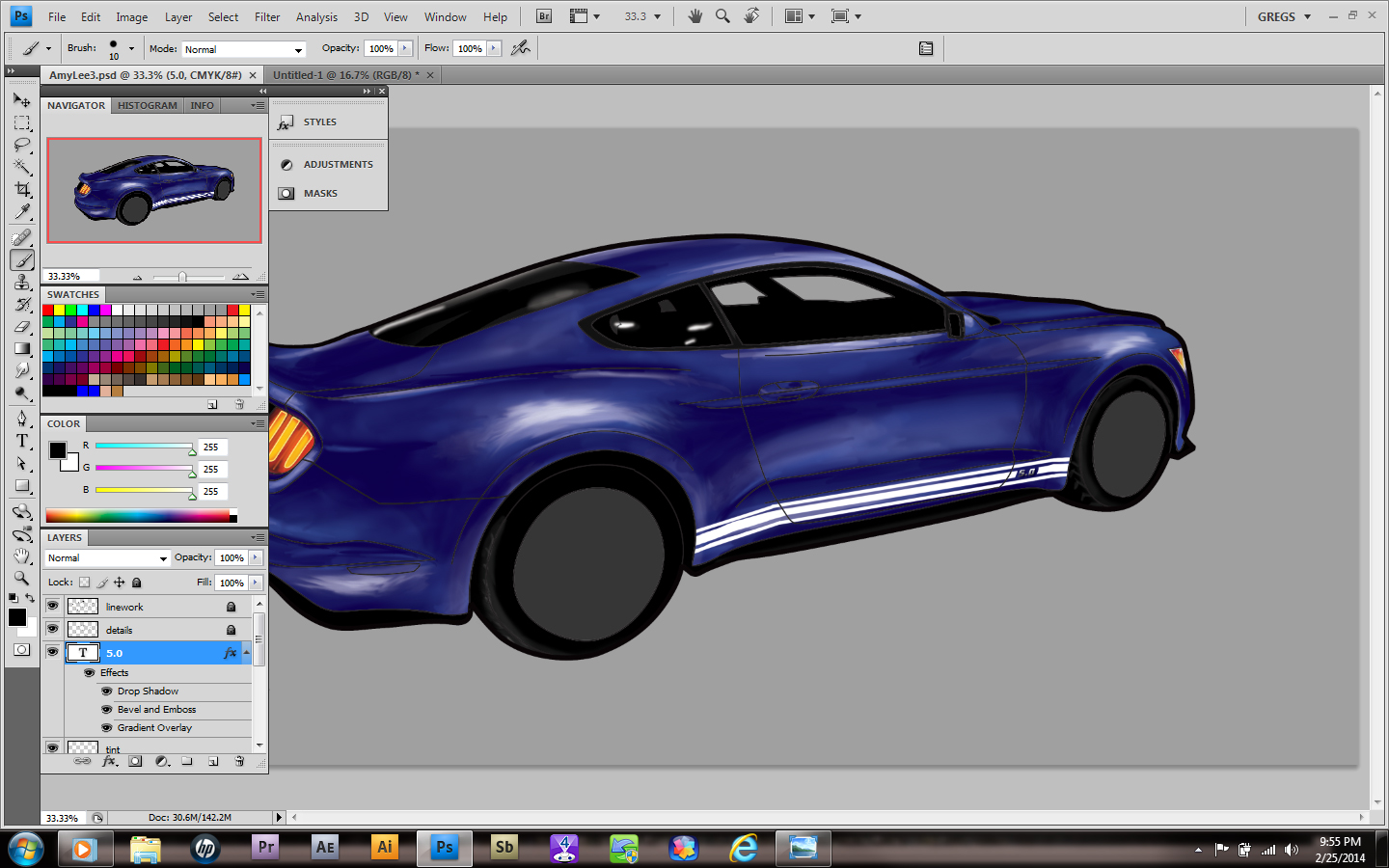
Today I managed to finish my line work! It was not as bad as I thought, so I decided to Export my image into Photoshop. Sounds easy right? Well, it wasn’t! First it didn’t want to take my resolution, then it tried to merge my layers. I finally got what I wanted and started to set it up in ‘shop.
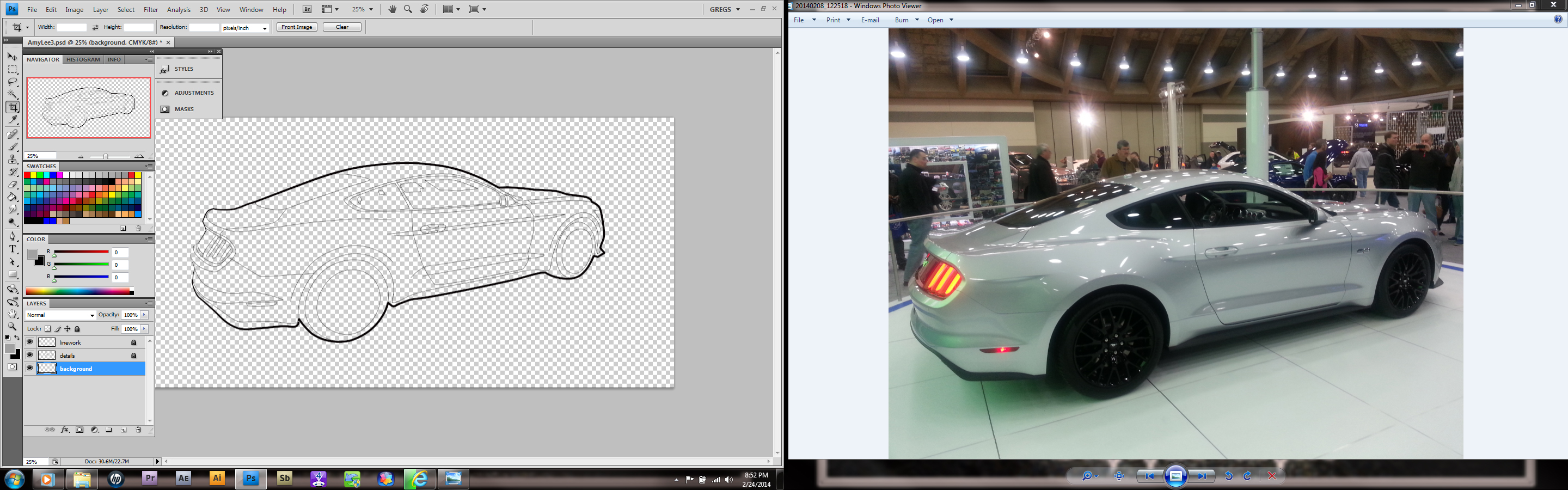
Once I had it there, I decided to clone the “detail” layer (ctrl J) then merge it with the line work layer. I also decided to add a color background in order to make sure no gaps appeared in my colors. I chose gray.
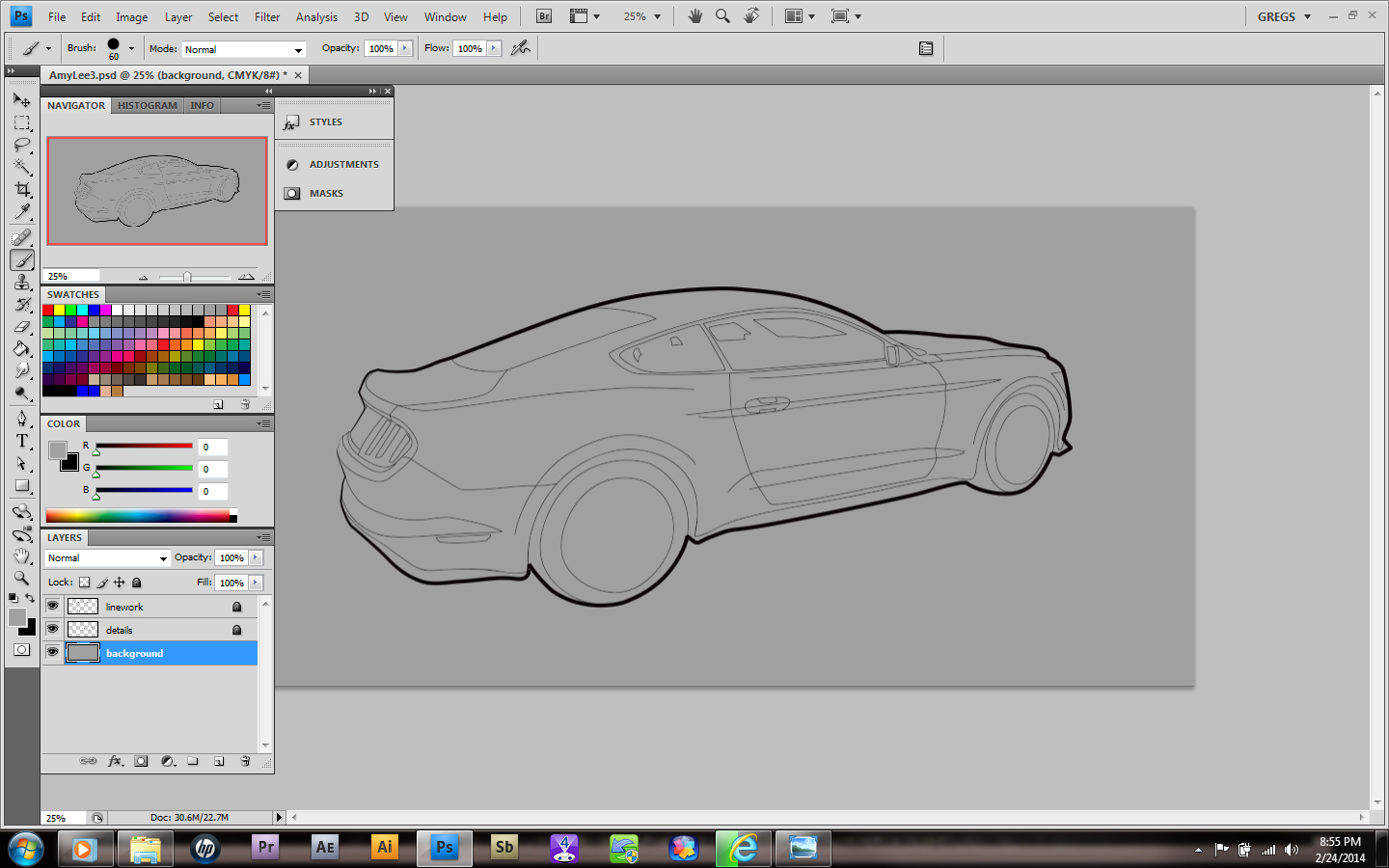
Having combined the layers allowed me to make selections that I could color anyway necessary. I chose a black and dark gray layers to add those colors in appropriately.
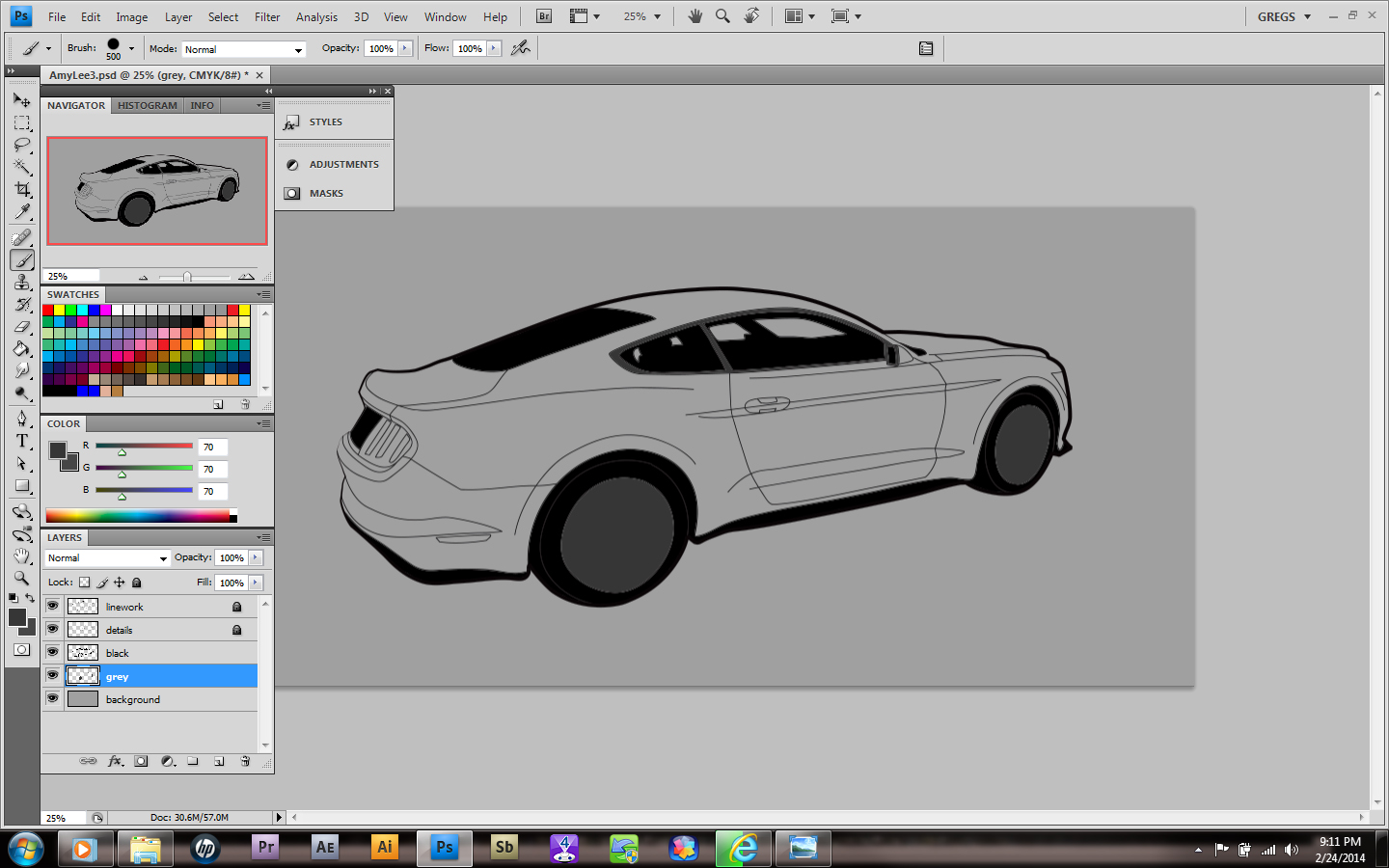
That’s it for tonight. Not only will I finish this soon, my muse for next month has already said yes! It’s so good to be me…

After going to the Motor Trend International Auto Show, I decided that a new mustang GT was definitely in my future! I took lots of pictures and learned something really important; this car sucks at taking photos! I’ve always been a Ford guy, but the new European mustang is going to need an American front end at some point. Still, I’m in.
I know the modifications I need to make, so that kinda stuff comes easy. However, having a drawing of the vehicle makes it a little easier to know what parts look good on her. Yes her. AmyLee to be precise.
So after getting this far in Photoshop, I realized my line work just wasn’t clean enough to get the look I wanted. I was bummed until I remembered I had Illustrator! So I switched programs and used my anchor points to clean up the lines. Voila!
 I was so happy with it that I decided to save it as a template. With a little more detail, it should make a great start for people to customize! What do you think guys? Should I?…

So after pretty much nothing in January, I seem to be loading up the box this month! I have some weird clients and a few don’t want to have their stuff displayed at ALL. I guess I’ll have to change my contracts to accommodate my own right to display what I create. As long as I’m not mass producing (or selling) personal art,I foresee no issues.
My kid is crazy about his picture! Unfortunately, so are the rest of my family, and what I feared would happen has already begun to come to pass. I’m getting pics of kids, husbands, nieces and others sent to me, “as a favor”. No. Hell no! So I explained that my art was like owning a store and that EVERYONE had to pay for the goods therein.
No freebies.
Then I posted my current contract and pay scale and offered to provide the same services I’d given uncle Roland.
We’ll see if anyone was serious…won’t we?
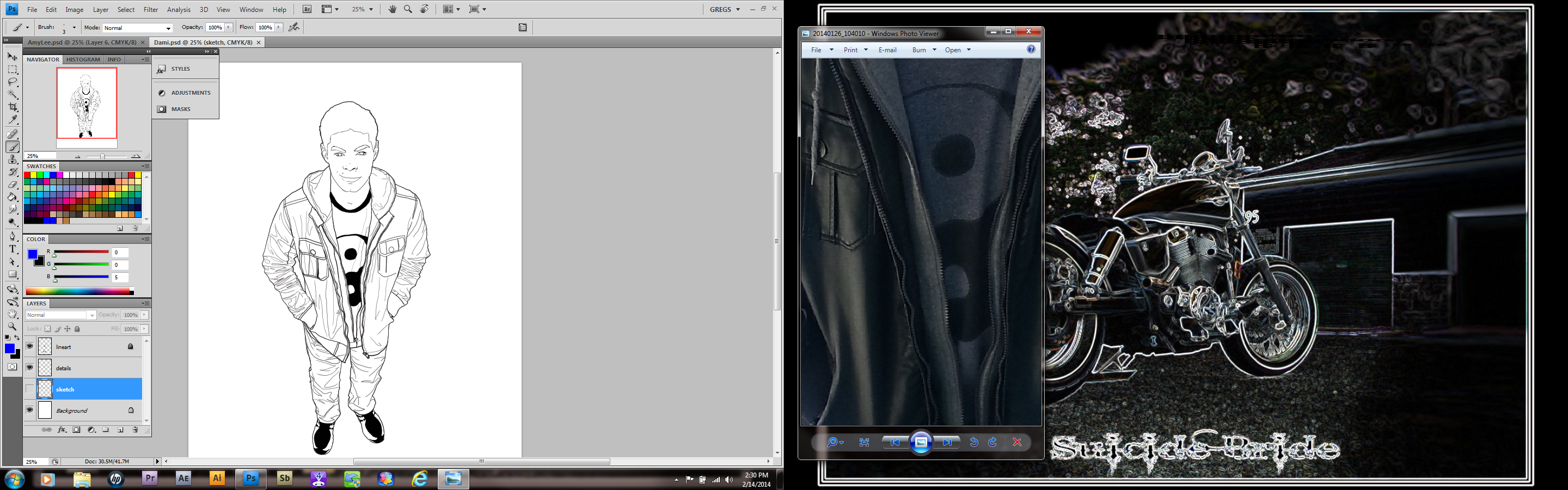
line work matters!
I decided that this month’s muse would be my son. It’s funny, you would think I would spend more time drawing my loved ones, but for whatever reason, I don’t. Maybe its mental or maybe I don’t want to open the floodgates; after all, once you began drawing family they all think you should.
So I made Sure that I wanted to do this first. because honestly the more time passed, the more it was becoming an issue and bothering me. Friday I started the line work. Then erased. Then changed. Then erased. It had to look like him and have his shape, so after several hours I got the desired effect. As usual, I sketched a rough shape, then did the detail work at one brush size, then outlined the overall shapes in a larger one. Since I’m self taught, it took a few pictures to get this down pat. Now I always organize this way.

Once I had all the line work completed and organized, I used the selection tool and created layers for the jacket, sweater, t-shirt, jeans, skin and shoes. I colored each with a brush set for 0% hardness and 25% opacity. On the shirt and jeans, an additional blue was brushed in at 7% and 12%, respectively.
The background will be done last. Honestly I’ve had several ideas, but none of them have stood out. We’ll see. In the meantime I’ll keep working on this and others.
 Howly Time!